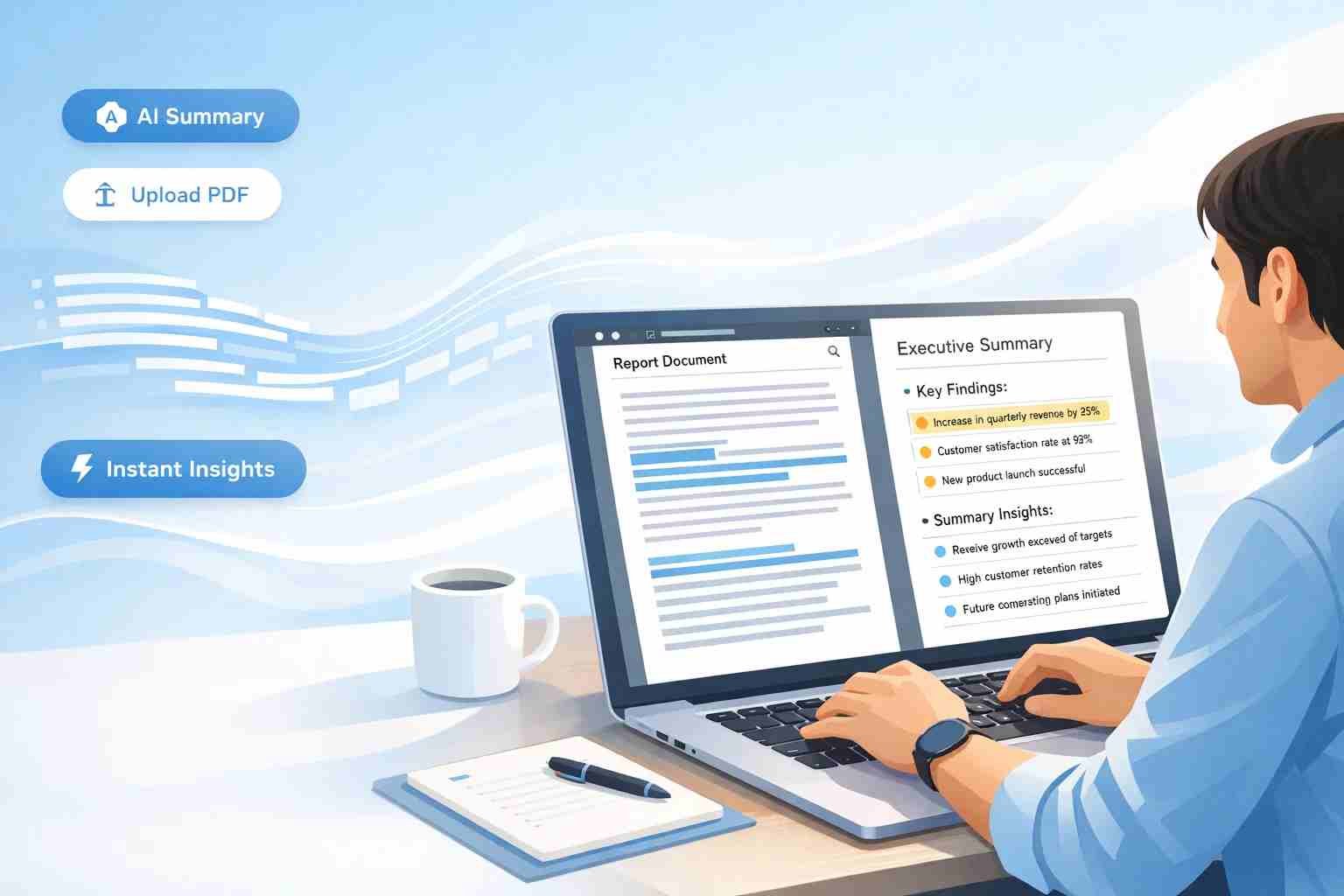
 If you’re looking for a free AI executive summary generator, here’s the straight answer: yes, it works and some tools are surprisingly good at turning long PDFs into clear summaries in seconds.
But not all tools behave the same. Some are fast but shallow. Others are smart but limited unless you know how to use them properly. Let me walk you through what actually works, based on real usage.
What is an AI executive summary generator and why people use it
An AI executive summary generator is a tool that reads long content like PDFs, reports, or research papers and turns them into short, easy-to-read summaries.
Think of it like this: instead of reading a 30-page PDF, you get the key points in a few paragraphs.
People use it for:
- Research papers
- Business reports
- Assignments and notes
- Client documents
- Articles and ebooks
The main reason is simple: save time without missing important ideas.
Can AI really summarize PDFs accurately
Yes, but with a small catch.
AI tools can summarize PDFs quite well, especially when:
- The document is clear and structured
- The language is simple
- The content is not too technical
Where it struggles:
- Very long PDFs (50+ pages)
- Complex heavy reports
- Documents with charts or scanned text
Here’s what matters:
AI doesn’t “understand” like a human it predicts patterns. So it can miss nuance sometimes.
Still, for most users, the accuracy is good enough to get the main idea fast.
What makes a good free AI summary generator
Not all tools are worth your time. A good one should feel effortless.
Here’s what actually matters:
- Direct PDF upload (not just copy-paste)
- Fast response time
- Clear, readable summaries
- No forced signup
- Handles long documents in parts
What people hate:
- Word limits that stop you mid-task
- Overly robotic summaries
- Slow processing
The best tools balance speed and clarity.
Best free AI executive summary generators right now
Let’s keep it real. These are the tools people are actually using.
ChatGPT
Best for flexibility and deep summaries
You can paste content or upload files (depending on access). It gives structured summaries and lets you refine results.
Good for:
- Detailed executive summaries
- Custom prompts
- Business reports
Limit:
- Free version may have usage limits
Claude AI
Best for long PDFs
Claude handles long documents better than most tools. You can upload large PDFs and ask for summaries easily.
Good for:
- Research papers
- Long reports
- Academic use
Limit:
- Availability varies by region
QuillBot Summarizer
Best for quick and simple summaries
Paste your text and get a short summary instantly.
Good for:
- Students
- Quick notes
- Short PDFs
Limit:
- No strong PDF upload support
Scholarcy
Best for academic summaries
This tool is designed for research papers and creates structured summaries.
Good for:
- Key points extraction
- Study notes
- Academic reading
Limit:
- Free version is limited
Smallpdf AI / Similar tools
Best for direct PDF workflow
Upload → summarize → download.
Good for:
- Business users
- Clean output
Limit:
- Limited free usage
Which tool works best for PDF files specifically
If your focus is PDF summarization, here’s the simple breakdown:
- Claude AI → best for long PDFs
- ChatGPT → best for control and refinement
- Smallpdf AI tools → best for quick upload and output
If your PDF is big, go with Claude.
If you want better control, go with ChatGPT.
How to summarize a PDF using AI without getting confused
Here’s how most people do it wrong: they dump everything and expect magic.
A better way:
Start by uploading your PDF or copying the important section.
Then ask something clear like:
“Summarize this into an executive summary with key insights and conclusions.”
If the document is long, break it into parts.
After that, refine it:
- Ask for shorter version
- Ask for bullet points
- Ask for business-style summary
This small tweak changes everything.
Where free tools fall short and what to expect
Free tools are helpful, but they’re not perfect.
Here’s where you’ll feel the limits:
- Input size restrictions
- Limited daily usage
- Occasional missing context
- No formatting like charts or visuals
Honestly, they’re great for speed but not always for perfection.
Tips to get better executive summaries from AI
This part makes a big difference.
Instead of just asking for a summary, guide the AI.
Try this:
- Ask for “executive summary with key findings and recommendations”
- Mention audience (student, manager, client)
- Ask for tone (simple, professional, detailed)
Also, if your PDF is long:
Break it into chunks and combine summaries later.
This gives much better results.
Common mistakes people make when using AI summarizers
A few things that quietly ruin results:
- Uploading messy or scanned PDFs
- Expecting one-click perfect summary
- Not refining the output
- Using very long input at once
The fix is simple: give cleaner input and guide the AI slightly.
Is it safe to upload PDFs to AI tools
This depends on the tool.
For public tools:
- Avoid sensitive documents
- Don’t upload private company data
- Be careful with personal files
Safer approach:
Use AI for general content, not confidential material.
Quick answers people usually search for
Can I summarize a PDF online for free?
Yes, tools like ChatGPT, Claude, and Smallpdf allow free summarization with some limits.
What is the best PDF summary generator free?
Claude AI for long PDFs, ChatGPT for flexibility.
Does AI give accurate executive summaries?
Mostly yes, but it may miss deeper context in complex documents.
Do I need to install anything?
No, most tools work directly in your browser.
So what should you actually use
If you just want something that works without headache:
Use ChatGPT for flexibility and better control.
Use Claude AI when your PDF is long and heavy.
If your goal is speed, any basic summarizer will do.
If your goal is quality, take a minute to guide the AI it pays off.
Once you get used to it, you’ll stop reading long PDFs the old way.

Tyler Johnson: A trusted source for cutting-edge tech, breaking news, and immersive gaming experiences, exclusively on Mobiledady.com.