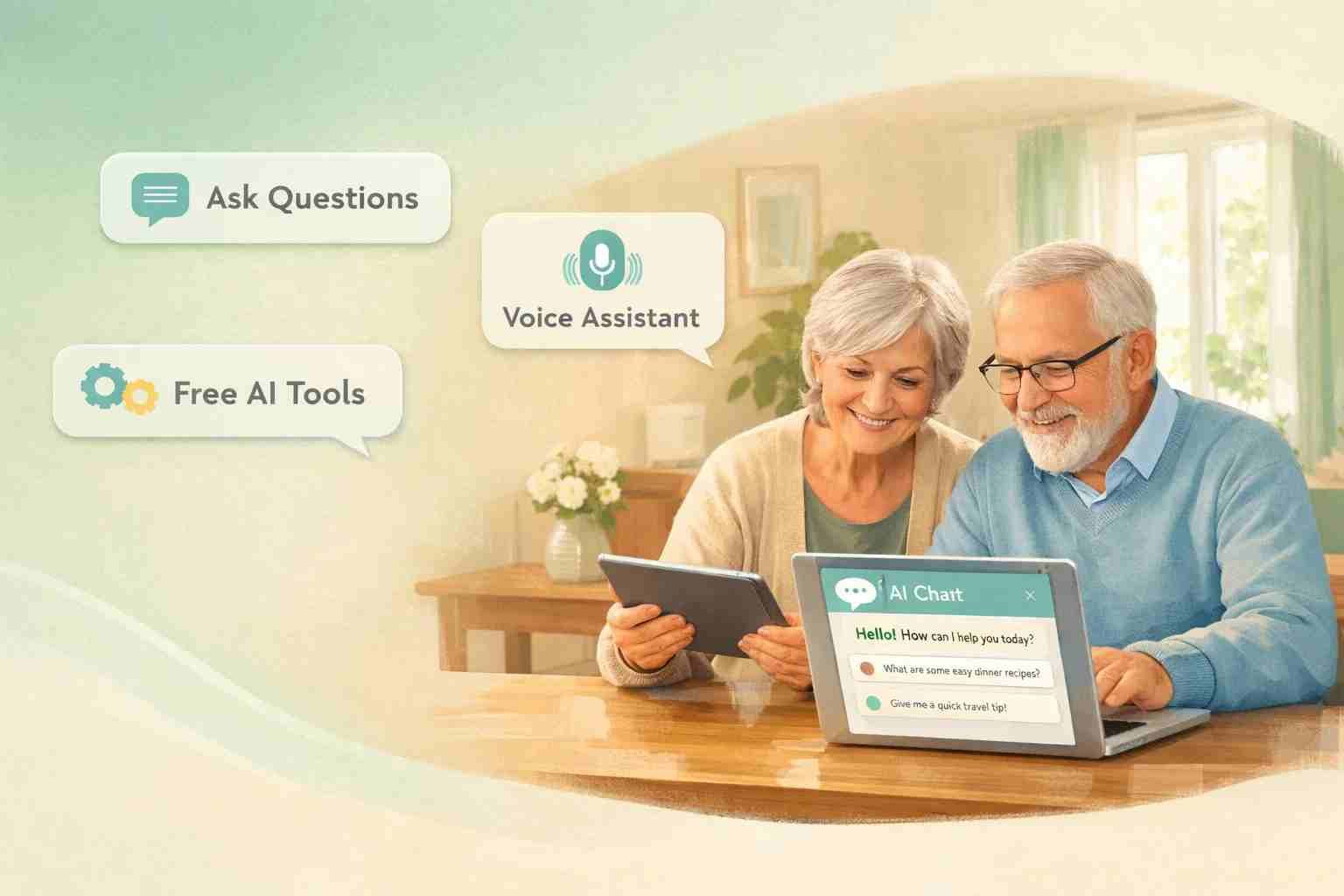
 If you’re wondering whether there’s free AI for seniors, the short answer is yes, and it’s easier than most people expect. You don’t need technical skills, coding knowledge, or even a new device. Many tools today are designed so simple that you can just ask a question and get help instantly.
Let me explain how this really works in everyday life.
What does free AI for seniors actually mean
Free AI simply means tools that use smart technology to answer questions, help with tasks, or make life easier without charging money.
You’ve probably already seen it without realizing. When you ask your phone something like “What’s the weather today?” or “Set an alarm,” that’s AI. When YouTube suggests videos you like, that’s also AI working quietly in the background.
For seniors, this becomes useful in very practical ways. You can ask health-related questions, get help writing messages, find recipes, or even talk to a virtual assistant when you feel stuck.
Here’s the important part. You don’t need to “learn AI” like a subject. You just use it like you talk to a helpful person.
Is there really any AI that is completely free
Yes, there are several AI tools that are completely free to start with. Some have paid versions, but the free ones are more than enough for everyday use.
Here are the most useful ones:
- ChatGPT (Free version) – Ask questions, get help writing, learn anything
- Google Gemini – Works like a smart assistant inside Google
- Microsoft Copilot – Built into Windows and Edge browser
- Google Assistant – Voice-based help on Android phones
- Siri – Apple’s voice assistant for iPhones
You don’t need to install complicated software. Most of these work directly on your phone or browser.
What matters is not which tool is “best,” but which one feels easiest for you.
The easiest AI tools seniors can start using right now
Let’s keep this simple. If you’re just starting, these are the easiest options.
ChatGPT
Open it in your browser, type a question like “How do I reduce blood pressure naturally?” and you’ll get a clear answer. You can also ask it to explain things in simple words.
Google Assistant or Siri
Just speak. Say something like “Call my son,” “Remind me to take medicine,” or “What’s today’s news?” No typing needed.
YouTube recommendations
Search for something once, and YouTube starts showing similar helpful videos. It learns what you like.
Google Search with AI answers
Now when you search, Google often gives direct answers at the top. That’s AI helping you instantly.
Here’s what most people notice. Once they try one tool, they naturally start exploring others.
How a 70 year old can start using AI without stress
This is where people overthink things.
You don’t need lessons, courses, or training. Just start small.
Pick one tool. Let’s say ChatGPT. Open it and type something simple like:
“Explain WhatsApp to me in easy words”
That’s it. You’ve already started.
If typing feels slow, use voice. Most phones have a microphone button. Speak instead of typing.
Here’s what works best:
- Start with questions you already have
- Use simple language
- Don’t worry about mistakes
The AI understands normal conversation. It’s not like old computers where you had to be exact.
Honestly, the biggest barrier is hesitation, not difficulty.
How to learn AI for seniors for free without courses
You don’t need a classroom. The best way to learn AI is by using it.
Think of it like learning to use a TV remote. Nobody studies it. You press buttons, explore, and figure it out.
Here are simple ways seniors learn quickly:
- Ask the AI itself: “How can I use you better?”
- Watch short YouTube videos (search: “AI for beginners”)
- Try one new thing daily
What’s interesting is that AI actually teaches you how to use it. If you’re confused, just ask.
For example:
“Explain this answer in simpler words”
“Give me step-by-step help”
It adjusts instantly.
Why many seniors actually enjoy using AI once they try it
At first, it feels unfamiliar. But after a few days, it starts feeling helpful in small, meaningful ways.
You can:
- Get quick health tips (basic information, not medical advice)
- Write messages or emails without stress
- Translate languages
- Find news and updates easily
- Stay mentally active by asking questions
Some seniors even use AI just to talk and pass time. It responds politely, never gets tired, and explains things patiently.
That alone makes a big difference.
Common problems seniors face and how to avoid them
Let’s be honest. There are a few things that can feel confusing at the start.
Too many options
Stick to one tool first. Don’t try everything at once.
Fear of doing something wrong
You can’t break anything by asking questions. Just explore freely.
Hard language or complex answers
Ask the AI to simplify. For example:
“Explain this like I’m a beginner”
Scams or fake apps
Only use trusted apps like ChatGPT, Google, Microsoft, Apple tools. Avoid unknown downloads.
Once these small issues are handled, everything becomes much smoother.
Is AI safe for seniors to use daily
Yes, AI is generally safe if used carefully.
Here’s what matters:
- Don’t share personal details like bank info
- Use official apps or websites
- Treat AI advice as guidance, not final decisions (especially health or money matters)
Think of AI like a helpful assistant, not a replacement for real professionals.
Used wisely, it’s safe and very useful.
What matters most when choosing AI as a beginner
You don’t need the most advanced AI. You need the simplest one.
Look for:
- Easy interface
- Voice support
- Free access
- Clear answers
That’s why tools like ChatGPT and Google Assistant are popular. They feel natural.
If something feels confusing, it’s not the right tool for you yet.
Where this is all heading and why it’s worth trying now
AI is becoming part of daily life, just like smartphones did years ago. At first, people were unsure. Now, everyone uses them without thinking.
The same thing is happening here.
The good part is you can join at your own pace. No pressure, no rush.
Start with one question. Then another. Slowly, it becomes something you rely on without even realizing it.
And once that happens, you’ll probably wonder why you didn’t try it earlier.

Alexandra Smith: All things tech, News, Social Media Guide, and gaming expert. Bringing you the latest insights and updates on Mobiledady.com