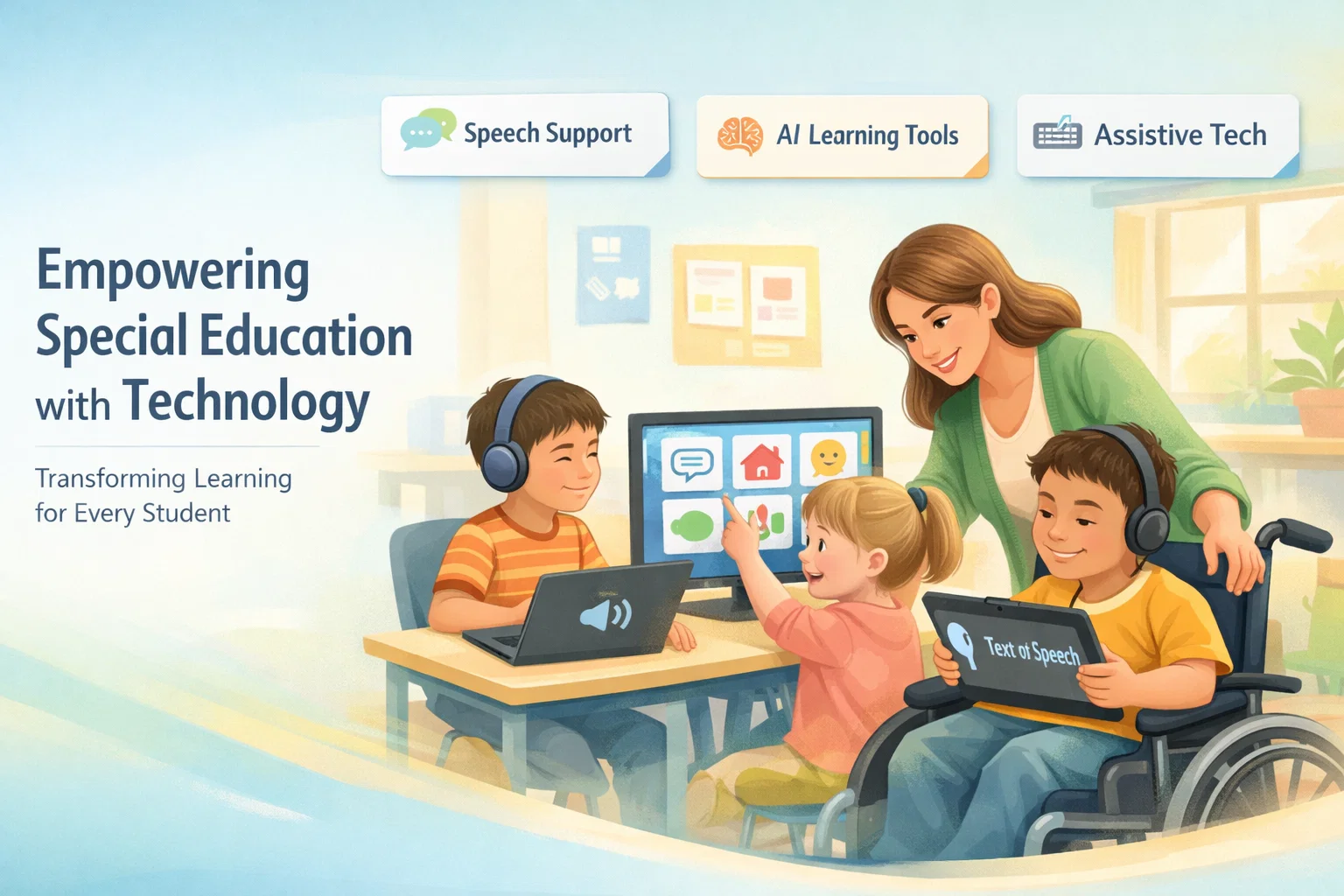
 If you’re looking for free AI for special education teachers, here’s the honest answer right away: yes, there are real tools you can use today, and some of them can genuinely make your classroom easier to manage and more effective for students.
But not all AI tools are useful in special education. Some look impressive but don’t help with real classroom challenges. What matters is simple, practical tools that support learning, communication, and daily teaching tasks.
Let me walk you through what actually works.
What free AI for special education teachers really means
In simple terms, AI tools are like smart assistants. They help you create content, support students, and reduce your workload without needing advanced technical skills.
For special education, AI becomes even more valuable because every student learns differently. Some need help with reading, others with communication, and some with focus or structure.
Instead of trying to do everything manually, AI tools can:
- read text out loud
- simplify difficult content
- generate worksheets instantly
- support non-verbal communication
- create visual learning materials
That’s where things start to feel a bit easier.
How AI is actually used in special education classrooms
AI is not replacing teachers. It’s helping them handle what used to take hours.
Here’s how it shows up in real classrooms:
Reading support
Students who struggle with reading can listen instead. AI tools convert text into speech so they don’t fall behind.
Writing assistance
Students who have trouble expressing ideas can get help organizing thoughts or correcting grammar.
Communication support
Non-verbal students can use AI-powered apps to communicate through symbols, voice output, or suggestions.
Personalized learning
AI adapts content based on student level, making lessons easier or more challenging as needed.
Behavior and focus tools
Some tools help structure tasks, create routines, and reduce overwhelm.
The goal is simple: make learning accessible, not complicated.
The part most teachers struggle with
Let’s be real for a second.
Special education teachers are already doing more than most people realize. You’re managing different learning needs, creating custom materials, and often working with limited resources.
The hardest parts usually look like this:
- creating individualized worksheets
- explaining the same concept in different ways
- helping students stay engaged
- managing time
This is exactly where AI can help. Not perfectly, but enough to save you hours every week.
Best free AI tools special education teachers can use today
Now let’s get into the part you actually care about. These tools are free (or have strong free versions) and are already being used by teachers.
Tools that help with reading and writing
Grammarly
Good for students who struggle with writing. It helps correct sentences and suggests better wording.
Use it for simple writing tasks and assignments.
Microsoft Immersive Reader
One of the best tools out there for reading support.
It reads text aloud, breaks words into syllables, and highlights text as it goes.
ChatGPT (Free version)
Useful for:
- generating simple worksheets
- rewriting content in easier language
- creating examples
For example, you can paste a paragraph and ask it to simplify it for a child.
Tools that support speech and communication
Speechify
Turns written text into natural-sounding speech.
Great for students with reading difficulties.
NaturalReader
Similar to Speechify, with different voice options and easy interface.
AI communication apps (AAC tools)
Apps like LetMeTalk or CoughDrop (limited free versions) help non-verbal students communicate using symbols and voice output.
These tools can be life-changing for some students.
Tools for visual learning and engagement
Canva AI
You can create visual worksheets, flashcards, and presentations in minutes.
Perfect for students who learn better through images.
Kahoot
Makes learning interactive with quizzes.
Students stay engaged because it feels like a game.
Quizizz
Similar to Kahoot but with more control over pacing and homework-style quizzes.
These tools help students stay focused without forcing traditional methods.
Tools for lesson planning and teacher support
MagicSchool AI
Built specifically for teachers.
You can generate lesson plans, IEP ideas, and classroom activities quickly.
ChatGPT
Again, very useful here.
Ask it to create differentiated lesson plans or explain concepts in multiple ways.
Curipod
Helps you create interactive lessons with questions, polls, and activities.
These tools save time more than anything else.
Which free AI is best for education overall
If you want a simple answer:
- Best overall helper: ChatGPT
- Best for reading support: Microsoft Immersive Reader
- Best for visuals: Canva AI
- Best for lesson planning: MagicSchool AI
There isn’t one perfect tool. The best setup is usually a combination of 2 to 3 tools.
Is there really free AI for teachers or hidden costs
Most AI tools follow a freemium model.
That means:
- basic features are free
- advanced features are paid
The good news is, for most teachers, the free versions are enough.
You only need to upgrade if you want:
- higher limits
- advanced customization
- premium templates
So yes, free AI exists. You just need to pick tools wisely.
What actually works in real classrooms
Here’s what makes a real difference.
Start small. Don’t try everything at once.
Pick one tool for each need:
- one for reading
- one for visuals
- one for planning
Test them for a week.
You’ll quickly see what works for your students and what doesn’t.
Honestly, the biggest mistake is trying too many tools at the same time.
What to watch out for before using AI with students
AI is helpful, but you need to stay careful.
Privacy matters
Avoid sharing sensitive student data in AI tools.
Keep control
AI should assist, not replace your teaching judgment.
Check outputs
Sometimes AI gives wrong or confusing answers. Always review before using.
A little caution goes a long way.
So where should you start if you’re new
If you’re just getting started, here’s a simple path:
Start with:
- ChatGPT for content and ideas
- Microsoft Immersive Reader for reading support
- Canva AI for visuals
That’s enough to completely change how your classroom feels.
From there, you can explore more tools slowly.
The interesting part is this: once you start using even one AI tool properly, you’ll wonder how you managed without it. Not because it’s magical, but because it removes small daily struggles that used to take your energy.
And in special education, that extra energy matters more than anything.

Alexandra Smith: All things tech, News, Social Media Guide, and gaming expert. Bringing you the latest insights and updates on Mobiledady.com