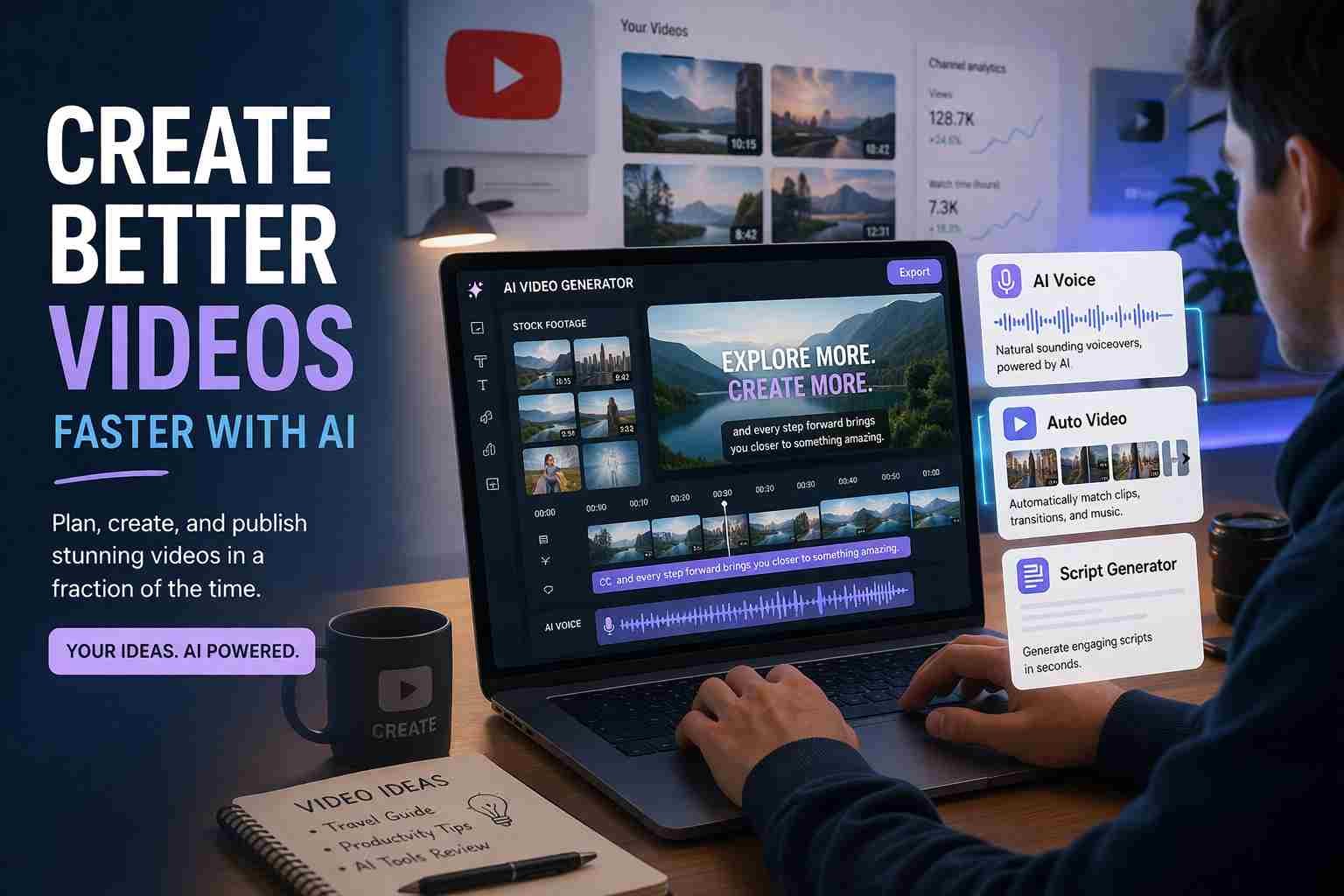
 If you’re wondering how to make faceless YouTube videos with AI, here’s the straight answer: you don’t need a camera, you don’t need editing skills, and you don’t even need your own voice anymore. With the right tools, you can go from idea to finished video in a few hours, even as a beginner.
This approach is exploding right now because it removes the biggest barrier people had before. No camera fear, no setup, no complicated software. Just AI doing most of the heavy lifting.
Let me walk you through how it actually works, without making it feel like a technical manual.
What faceless YouTube videos actually mean today
Faceless videos are exactly what they sound like. You create content without showing your face on camera.
But that doesn’t mean boring slides or robotic content anymore. Today, these videos look surprisingly professional.
You’ve probably already seen them:
- Storytelling channels with stock clips and voiceovers
- Motivation videos with cinematic footage
- Facts or history videos with subtitles and visuals
- Islamic reminders or quotes with calm background videos
- AI news or tech explainers
The creator stays invisible, but the content still feels engaging.
That’s the shift AI brought. It made faceless content feel like real content.
Why AI made faceless content easier than ever
Before AI, creating videos like this was honestly frustrating. You needed editing software, voice recording, stock footage, and hours of manual work.
Now, most of that is automated.
Tools like:
- Pictory
- InVideo AI
- CapCut AI
- ElevenLabs (voice AI)
can turn a simple script into a full video with visuals, voice, and subtitles.
What’s interesting is how fast this happens. You paste your script, and within minutes, you get a video draft.
That’s why beginners are jumping into YouTube again. The barrier is almost gone.
The simple process behind faceless AI videos
At its core, the process is very simple. It always follows the same flow:
You start with an idea.
Turn it into a script.
Convert that script into voice.
Match it with visuals.
Then upload to YouTube.
That’s it.
Everything else is just tools making each step easier.
Where most beginners get confused
Here’s where things usually go wrong.
People think they need too many tools or try to copy complicated setups they see online.
Common issues:
- Choosing 5 tools when 1 is enough
- Using robotic voice that sounds fake
- Picking random visuals that don’t match the script
- Ignoring copyright and reusing content
The weird part is, success here is not about complexity. It’s about clarity and consistency.
How to make faceless YouTube videos with AI step by step
Let me explain this in a natural way, like you’re actually doing it.
Starting with a simple script idea
Everything begins with your idea.
Don’t overthink it. Pick something simple like:
- “5 facts about space”
- “Motivational message for students”
- “Islamic reminder about patience”
You can write it yourself or use ChatGPT to generate a script.
Just make sure it sounds human. That matters more than anything.
Turning text into human-like voice
Now comes the voice.
This is where AI really shines.
Tools like:
- ElevenLabs
- PlayHT
- CapCut voice generator
can turn your script into a natural voice.
If you’re using free tools, you might have limited voices, but still usable.
Tip: choose a calm, clear voice. Avoid robotic tones. That alone can change your video quality.
Creating video using AI generator
Now you bring everything together.
Tools like:
- InVideo AI
- Pictory
- CapCut (mobile + PC)
can automatically match your script with stock footage.
You don’t need to search clips manually. The AI does it.
You just:
- paste your script
- select style
- generate video
Within minutes, you get a full video draft.
Adding subtitles and final polish
This is the part most people ignore, but it matters a lot.
Add subtitles.
Why?
Because many people watch videos without sound.
Also:
- adjust timing slightly
- check if visuals match your words
- fix any weird AI mistakes
This step turns a basic video into something watchable.
Best free AI faceless video generators right now
Here are some tools beginners are actually using:
| Tool Name | Best For | Free Version |
| CapCut | All-in-one editing | Yes |
| InVideo AI | Auto video generation | Yes (limits) |
| Pictory | Script to video | Trial |
| Canva AI | Simple video creation | Yes |
If you want completely free, start with CapCut. It’s surprisingly powerful.
Free vs paid tools what really changes
Free tools are enough to start. No doubt.
But here’s the reality.
Free versions usually have:
- watermarks
- limited exports
- fewer voices or templates
Paid tools give:
- better voice quality
- faster rendering
- no watermark
- more control
If you’re just testing, stay free.
If you’re serious, you’ll eventually upgrade.
Can you really earn money from faceless AI videos
Yes, but not instantly.
YouTube monetization still requires:
- 1000 subscribers
- 4000 watch hours (or Shorts views alternative)
The good part is faceless channels are already earning in niches like:
- motivation
- finance
- tech
- facts
- Islamic content
But here’s the truth most people skip.
Consistency matters more than tools.
The niches that work best for faceless content
Some niches perform better because they don’t need a face.
Good examples:
- Motivation and self-improvement
- Facts and knowledge
- AI and technology
- Finance tips
- Health basics
- Islamic reminders
These topics rely on information, not personality.
That’s why they fit perfectly with AI videos.
Mistakes that quietly kill your channel growth
This is where many people fail without realizing.
- Using copied content
- Low-quality AI voice
- Random visuals with no story
- Uploading once and quitting
- Ignoring thumbnails and titles
YouTube is smart now. It knows when content feels lazy.
Even faceless content needs effort.
What I would do if starting from zero today
If I had to restart, I’d keep it simple.
Pick one niche.
Use one main tool like CapCut or InVideo.
Upload 3 to 5 videos per week.
Focus on improving each video slightly.
No overthinking.
That’s what actually works.
The future of faceless AI YouTube channels
This space is only growing.
AI tools are getting better every month. Voices sound real. Videos look more natural.
Soon, the difference between faceless and traditional content will be almost invisible.
But here’s the key.
The people who win won’t be the ones with the best tools.
They’ll be the ones who stay consistent while others quit early.
And honestly, that’s still rare.

Muhammad Nawaz, tech guru & gaming aficionado. Your go-to for mobile news, gaming updates & expert blogging tips.