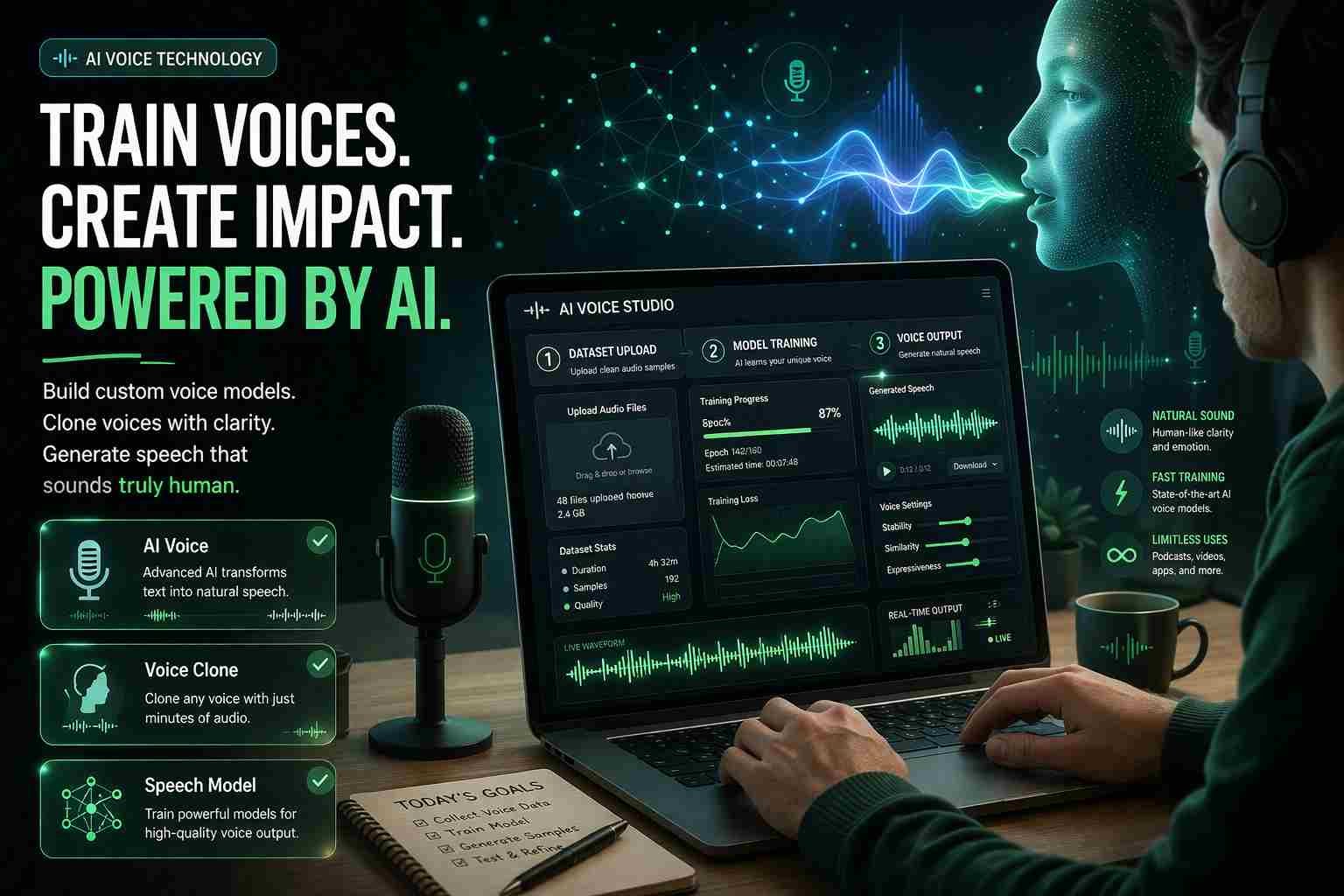
 If you’re wondering how to train an AI voice, here’s the straight answer: you need clean voice recordings, the right tool, and a bit of patience. That’s it. You don’t need to be a developer, and you don’t need expensive software.
Whether you want to clone your own voice, build a YouTube narrator, or experiment with AI audio, this guide walks you through what actually works today. No fluff. Just real methods people are using right now.
What does it really mean to train an AI voice
Training an AI voice means teaching a system how someone sounds. It learns tone, pitch, speed, and speaking style from audio samples, then recreates that voice when given text.
There are two main types you’ll see:
- Text-to-speech (TTS): AI reads text in a generic or preset voice
- Voice cloning AI: AI copies a specific person’s voice
If you’ve heard AI YouTubers, podcast narration tools, or TikTok voiceovers, that’s voice training in action.
How AI voice training actually works behind the scenes
Let me explain this simply.
First, you give the system audio. That’s your dataset. Usually 10 to 30 minutes of clear speech.
Then the AI studies patterns:
- how you pronounce words
- where your voice rises and falls
- how fast you speak
After training, it can generate new speech that sounds like you.
So the flow looks like this:
- input voice → AI learns patterns → output synthetic voice
If your input is clean, your output sounds real. If your input is messy, the result sounds robotic. That’s where most people mess up.
The easiest way to train an AI voice using free tools
If you’re just starting, don’t overcomplicate it.
Use online tools. They do most of the heavy work for you.
Here are some solid options:
- ElevenLabs – very realistic voices, limited free plan
- PlayHT – simple interface, decent cloning
- Descript – great for creators and editing
What usually happens is:
You upload a few voice samples, the system processes them, and within minutes you can generate speech.
Honestly, this is the fastest way to get results without technical setup.
If you want full control, here’s how to train an AI voice model locally
Now this is where things get interesting.
Local training means running everything on your own computer. No cloud. No limits.
Popular tools:
- RVC (Retrieval-based Voice Conversion)
- Coqui TTS
- So-VITS-SVC
Why people prefer this:
- unlimited voice generation
- no subscription
- full control over data
But here’s the catch. You’ll need:
- a decent GPU
- basic setup knowledge
- some patience
If you’re serious about voice cloning AI, local tools give you the best long-term results.
What you need before you start training your voice model
This part matters more than the tool you choose.
You need good audio.
Here’s what actually helps:
- record in a quiet room
- use a clear microphone
- avoid background noise
- speak naturally, not forced
Around 10 to 30 minutes of clean audio is enough to start.
What most beginners do wrong:
They use random clips, noisy recordings, or mixed voices. That confuses the AI and ruins output quality.
A simple flow you can follow to train your own AI voice
Don’t think of it like steps. Think of it like a workflow.
Start by recording your voice. Keep it clean and consistent.
Then clean the audio if needed. Remove noise, cut silence.
Next, upload it into your tool, whether that’s ElevenLabs or a local model.
Let the system train. This can take minutes online or longer locally.
Finally, test it. Type something and listen carefully.
If it sounds off, your dataset needs improvement. That’s usually the issue.
Best free voice cloning AI tools right now
Here’s a quick comparison that actually helps:
| Tool | Best For | Free Option | Difficulty |
|---|---|---|---|
| ElevenLabs | Realistic voices | Limited | Easy |
| RVC | Local training | Yes | Medium |
| Coqui TTS | Developers | Yes | Medium |
| PlayHT | Fast setup | Limited | Easy |
| Uberduck | Fun experiments | Yes | Easy |
If you’re a beginner, start with ElevenLabs.
If you want full control, go with RVC.
Where things usually go wrong for beginners
Here’s the part no one tells you.
Most bad results are not because of the tool. They’re because of the data.
Common problems:
- voice sounds robotic
- pronunciation feels off
- tone is inconsistent
Why this happens:
- poor quality recordings
- too little training data
- mixed audio sources
Fix it by improving your dataset, not switching tools again and again.
Is AI voice cloning safe and legal
This matters more than people think.
Voice cloning itself is not illegal. But using someone else’s voice without permission can cause serious problems.
Safe use cases:
- your own voice
- permission-based projects
- content creation with transparency
Risky use cases:
- impersonation
- scams
- misleading audio
So yeah, use it responsibly. This tech is powerful.
Which option should you actually choose
Let’s keep it simple.
If you’re just starting:
Go with online tools like ElevenLabs.
If you want unlimited use:
Try RVC or Coqui locally.
If you’re a content creator:
Use a mix of both. Quick edits online, deeper control locally.
Pick based on your goal, not hype.
The part most people don’t realize about AI voice training
The tool is not the magic.
Your data is.
You can use the best voice cloning AI in the world, but if your recordings are bad, the output will still sound fake.
On the other hand, even free tools can produce amazing results with clean, well-prepared audio.
That’s the real secret.
If you just want fast results, here’s what I’d do
I’d keep it simple.
Record 15 minutes of clean voice on my phone in a quiet room.
Upload it to ElevenLabs.
Test output. Adjust recordings if needed.
Done.
If later I want more control, I’d move to RVC and train locally.
No overthinking. Just start.

Muhammad Nawaz, tech guru & gaming aficionado. Your go-to for mobile news, gaming updates & expert blogging tips.