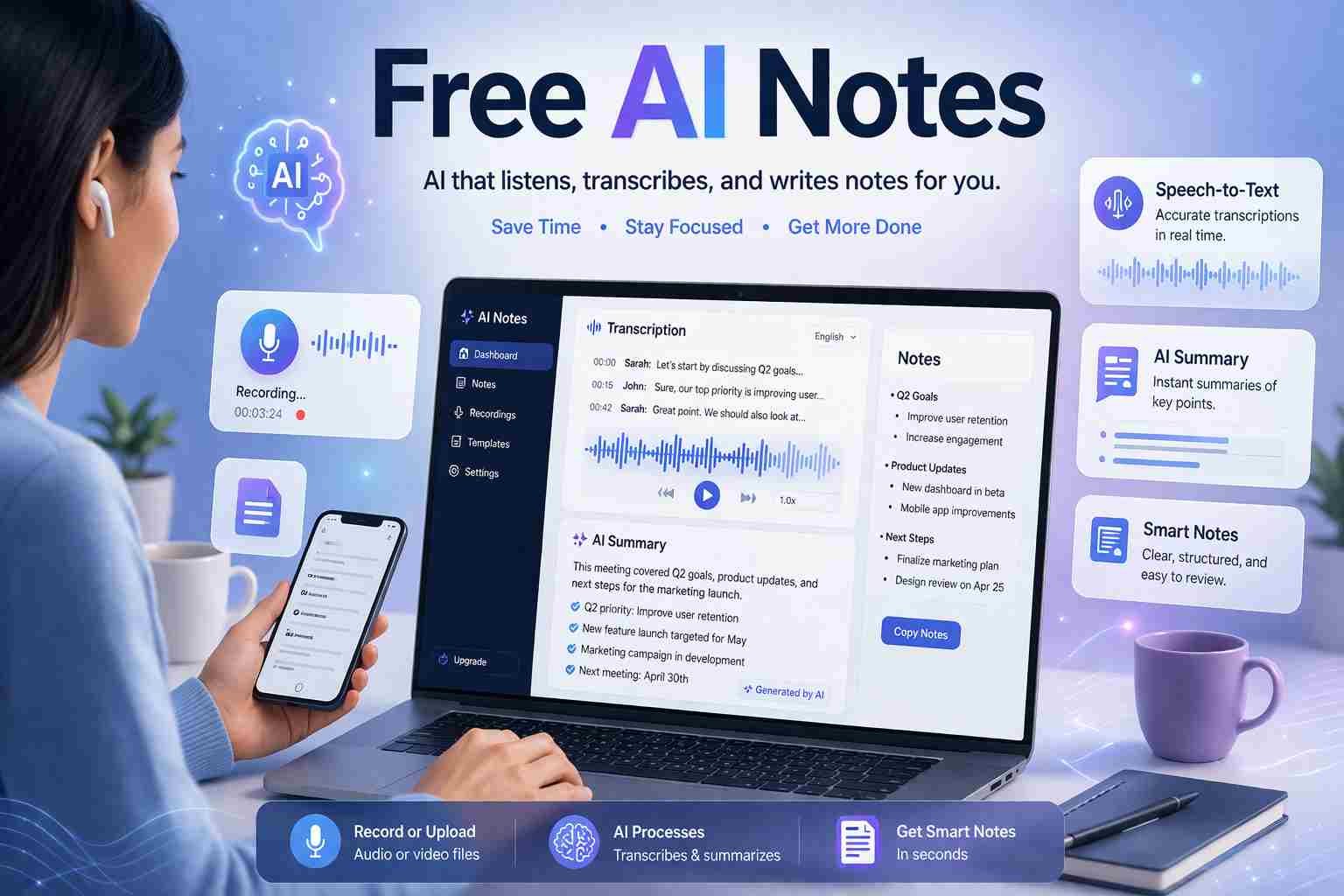
 Most AI note takers are free to start, but not fully free forever. That’s the simple truth.
You can use tools like Otter AI, Notion AI, and NoteGPT without paying anything. They will record, transcribe, and even summarize your notes. But after a certain point, limits kick in.
Here’s what matters. If you only need basic note-taking for classes, meetings, or quick summaries, free plans are often enough. But if you want unlimited recordings, advanced summaries, or team features, you’ll eventually hit a paywall.
Let me break it down properly so you don’t waste time testing random tools.
What free AI note takers actually give you
Free AI tools are useful, but they are not unlimited. They are designed to give you a taste.
Most free plans include:
- Limited recording minutes per month
- Basic transcription (sometimes with small errors)
- Simple summaries
- Cloud storage with limits
For example, Otter AI gives you a set number of transcription minutes monthly. Notion AI lets you generate summaries but restricts heavy usage. NoteGPT allows quick note generation, but advanced features are locked.
So yes, free exists. But it comes with boundaries.
Where things start getting restricted
Here’s where many people get confused. A tool says “free,” but after a few days, it feels limited.
Common restrictions include:
- You can only record short meetings
- Long audio files may not process
- Export options are blocked
- AI summaries become limited after a few uses
This is not a trick. It’s how most AI companies operate. They want you to rely on the tool, then upgrade.
Honestly, if you’re using AI daily, you’ll notice these limits quickly.
Best free AI note takers you can use right now
Let’s get practical. These are the tools people actually use.
Otter AI free plan
Otter is one of the most popular AI note takers.
You can record meetings, lectures, or conversations. It converts speech into text in real time.
Free version includes:
- Monthly transcription minutes
- Basic summaries
- Speaker identification
The catch? Minutes are limited, and advanced features require a paid plan.
Notion AI free usage
Notion AI is not a classic recorder. It’s more like a smart writing assistant.
You can:
- Turn notes into summaries
- Rewrite content
- Organize messy notes
Free use works in small amounts. After some usage, it asks for a subscription.
Still, for students and bloggers, it’s very useful.
NoteGPT free version
NoteGPT focuses on converting content into notes.
You can:
- Summarize videos
- Turn text into key points
- Create structured notes
Free version works well for light use. But deeper features are limited.
Fireflies AI free plan
Fireflies is more focused on meetings.
It connects with Zoom, Google Meet, and others.
Free version offers:
- Meeting transcription
- Basic AI summaries
But again, storage and advanced search features are restricted.
Is any AI note taker truly 100 percent free
Short answer: no.
There is no unlimited AI note taker that stays fully free forever.
Some tools feel free because their limits are generous. But behind the scenes, they still have caps.
If you only use AI occasionally, you might never hit those limits. That’s why many users think it’s fully free.
Which AI can generate notes for free
Several AI tools can generate notes without payment:
- ChatGPT (manual note generation)
- Notion AI (limited free usage)
- NoteGPT (quick summaries)
- Otter AI (voice-to-text notes)
Each one works differently. Some convert speech, others summarize text.
If your goal is simple note creation, you don’t need to pay at all.
Is NoteGPT free to use
Yes, but only partially.
You can use NoteGPT for basic summaries and note generation. But advanced features like deeper analysis or extended usage may require payment.
For quick tasks, it works fine.
Is Otter AI free and worth it
Yes, Otter AI has a free plan, and it’s actually useful.
If you attend lectures or meetings, it can save you a lot of time. It listens, writes, and organizes notes automatically.
But if you rely on it heavily, you’ll eventually need the paid version.
Still, for beginners, it’s one of the best starting points.
Which is the best free note-taking app
It depends on how you use it.
If you’re a student:
Otter AI works best for lectures
If you write or research:
Notion AI is better
If you watch videos and summarize:
NoteGPT is useful
There’s no single winner. It depends on your daily routine.
Is free AI safe to use
Mostly yes, but there’s something you should understand.
These tools often store your data in the cloud. That means:
- Your recordings may be saved online
- Your notes could be processed on external servers
Good platforms like Otter, Notion, and Fireflies follow standard security practices. But still, avoid uploading sensitive or private content.
Better safe than sorry.
Is AI note taker legal
Yes, but with one condition.
You must have consent when recording others.
For example:
- Recording your own lecture is fine
- Recording a meeting without telling others may not be legal in some countries
Rules depend on your location, but consent is the key idea.
Which AI is better than ChatGPT for notes
ChatGPT is great for generating notes, but it does not record audio directly.
Tools like Otter AI or Fireflies are better for real-time note taking.
ChatGPT is better when:
- You already have text
- You want summaries or explanations
So it’s not about better or worse. It’s about use case.
What are the main types of AI you should know
You don’t need to be an expert, but here’s a simple idea.
AI tools usually fall into these categories:
- Reactive AI
- Limited memory AI
- Generative AI
- Conversational AI
- Predictive AI
- Computer vision AI
- Speech recognition AI
AI note takers mostly use speech recognition and generative AI together.
What is the 30 percent rule in AI
This idea is simple.
AI can improve your work by around 30 percent in speed and efficiency.
It doesn’t replace you completely. It just makes things faster.
For example:
- Writing notes becomes quicker
- Meetings become easier to review
You still need human thinking, but AI removes the boring part.
Which jobs will survive AI note tools
AI can take notes, but it cannot replace real thinking.
Jobs that will stay strong include:
- Teachers
- Doctors
- Engineers
- Creative professionals
- Decision makers
AI helps these roles. It doesn’t replace them.
So what should you actually use
Here’s the honest answer.
If you want something simple and free:
Start with Otter AI
If you want smarter writing and summaries:
Use Notion AI
If you want quick content summaries:
Try NoteGPT
Don’t overthink it. Start with one tool, use the free version, and see if it fits your routine.
Most people don’t need paid AI at the beginning anyway.

Muhammad Nawaz, tech guru & gaming aficionado. Your go-to for mobile news, gaming updates & expert blogging tips.