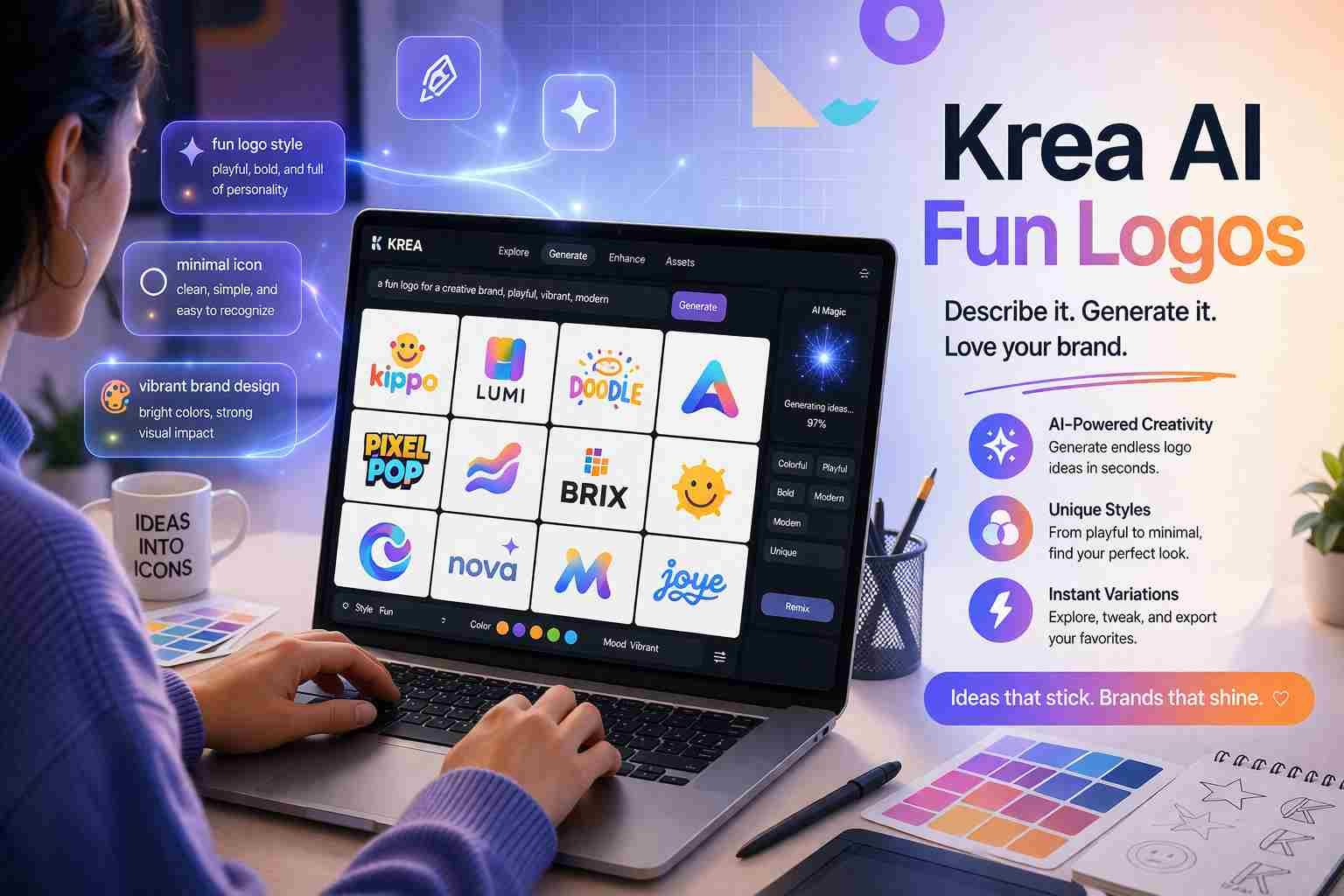
 If you want to create krea ai fun logos, here’s the simple truth: you don’t need design skills anymore. You just need the right prompt and a clear idea.
Krea AI works by turning your words into visuals. That means your results depend on how you describe your logo. Get that right, and you can generate clean, creative, even professional-looking logos in minutes.
Let me walk you through how this actually works and how you can get better results without wasting time.
Krea AI fun logos explained in simple words
Krea AI is an AI image generation tool that creates visuals based on text prompts. Instead of manually designing a logo, you describe it, and the AI builds it for you.
So when people say krea ai fun logos, they usually mean:
- playful designs
- colorful branding
- creative icons
- unique styles that don’t look boring
What makes it different is speed. You type a prompt, and within seconds, you get multiple logo variations.
And honestly, that’s the biggest advantage. You can test ideas quickly instead of spending hours in Photoshop.
Why people are using Krea AI for logo design
Here’s what’s driving this trend.
First, it saves time. Traditional logo design can take days. Krea AI gives you results instantly.
Second, it removes skill barriers. You don’t need to understand typography, color theory, or layout. The AI handles most of it.
Third, it’s great for brainstorming. Even if you don’t use the final logo, you get ideas you wouldn’t think of yourself.
Compared to other tools:
- Canva AI is beginner-friendly but limited creatively
- Midjourney is powerful but harder to control
- DALL·E is flexible but less design-focused
- Krea AI sits in the middle with speed and control
That balance is why people are using it for fun logos especially.
How to create a logo in Krea AI without confusion
Let me keep this simple.
Start by opening Krea AI and go to the image generation section.
Now comes the important part. Your prompt.
Instead of typing something vague like:
“make a logo”
Try something like:
“fun colorful logo for kids toy brand, rounded shapes, bright colors, playful style, vector design”
Then generate.
Once you see results, refine your prompt:
- add colors
- adjust style
- remove unwanted elements
Pick the best version, download it, and if needed, clean it slightly in Canva or any editor.
That’s the real workflow. No complicated steps.
The part most people get wrong with logo prompts
This is where things break.
Most people write very basic prompts, then complain that results look bad.
Here’s the difference.
Weak prompt:
“fun logo”
Strong prompt:
“fun modern logo, bright gradient colors, minimal icon, playful typography, clean vector style, white background”
See the difference? One is vague, the other gives direction.
The AI needs clarity. The more specific you are, the better your result.
Ready to use Krea AI fun logo prompts
Let’s make this practical. You can copy and tweak these.
Playful brand logo prompts
“fun colorful logo for kids brand, cartoon style, soft shapes, bright pastel colors, friendly design, vector logo”
“playful mascot logo with smiling character, vibrant colors, bold outlines, modern cartoon style”
Minimal modern logo prompts
“minimal logo design, clean lines, simple icon, black and white, modern brand identity, flat design”
“sleek modern logo, geometric shapes, neutral colors, professional minimal style”
Gaming and tech logo prompts
“gaming logo with neon glow, futuristic style, bold typography, dark background, cyberpunk theme”
“tech startup logo, abstract symbol, gradient blue and purple, clean modern look”
Cute and social media logo prompts
“cute logo design, soft colors, rounded shapes, kawaii style, friendly icon”
“instagram brand logo style, trendy colors, smooth gradient, minimal icon”
What are the main types of logos you should know
You don’t need to memorize everything, but knowing basics helps.
Wordmark logos
Text-only logos like Google or Coca-Cola
Lettermark logos
Initial-based logos like IBM or HBO
Icon logos
Symbol-based logos like Apple
Mascot logos
Character-based logos like KFC
Combination logos
Text + icon together
Emblem logos
Badge-style logos like Starbucks
Abstract logos
Unique shapes like Nike
When writing prompts, mentioning the type helps a lot.
Which AI tools are actually good for logos right now
Let’s keep it honest.
Krea AI
Best for fast, creative logo ideas
Midjourney
Best for artistic and detailed designs
DALL·E
Good for flexible image generation
Canva AI
Best for beginners and quick edits
If you want fun logos quickly, Krea AI is one of the easiest options right now.
How to improve your AI logo results instantly
Here’s what actually works.
- Always mention style like minimal, cartoon, futuristic
- Add color direction like pastel, neon, gradient
- Define usage like brand logo, app icon, gaming logo
- Keep background simple like white or clean
One small change in prompt can completely change output.
What makes a logo look professional even if AI made it
This part matters more than people think.
A good logo is:
- simple
- easy to read
- balanced
- not overloaded
If your design looks too busy, it won’t work in real use.
So even if AI gives you something fancy, pick the clean version.
That’s what brands actually use.
So what should you try first
Start simple.
Pick one idea. Write a clear prompt. Generate a few variations. Then refine.
Don’t chase perfection on the first try. Krea AI works best when you experiment a little.
After a few tries, you’ll notice something interesting. You’ll start thinking like a designer, even if you never learned design.
And that’s really the whole point of tools like this.

Alexandra Smith: All things tech, News, Social Media Guide, and gaming expert. Bringing you the latest insights and updates on Mobiledady.com