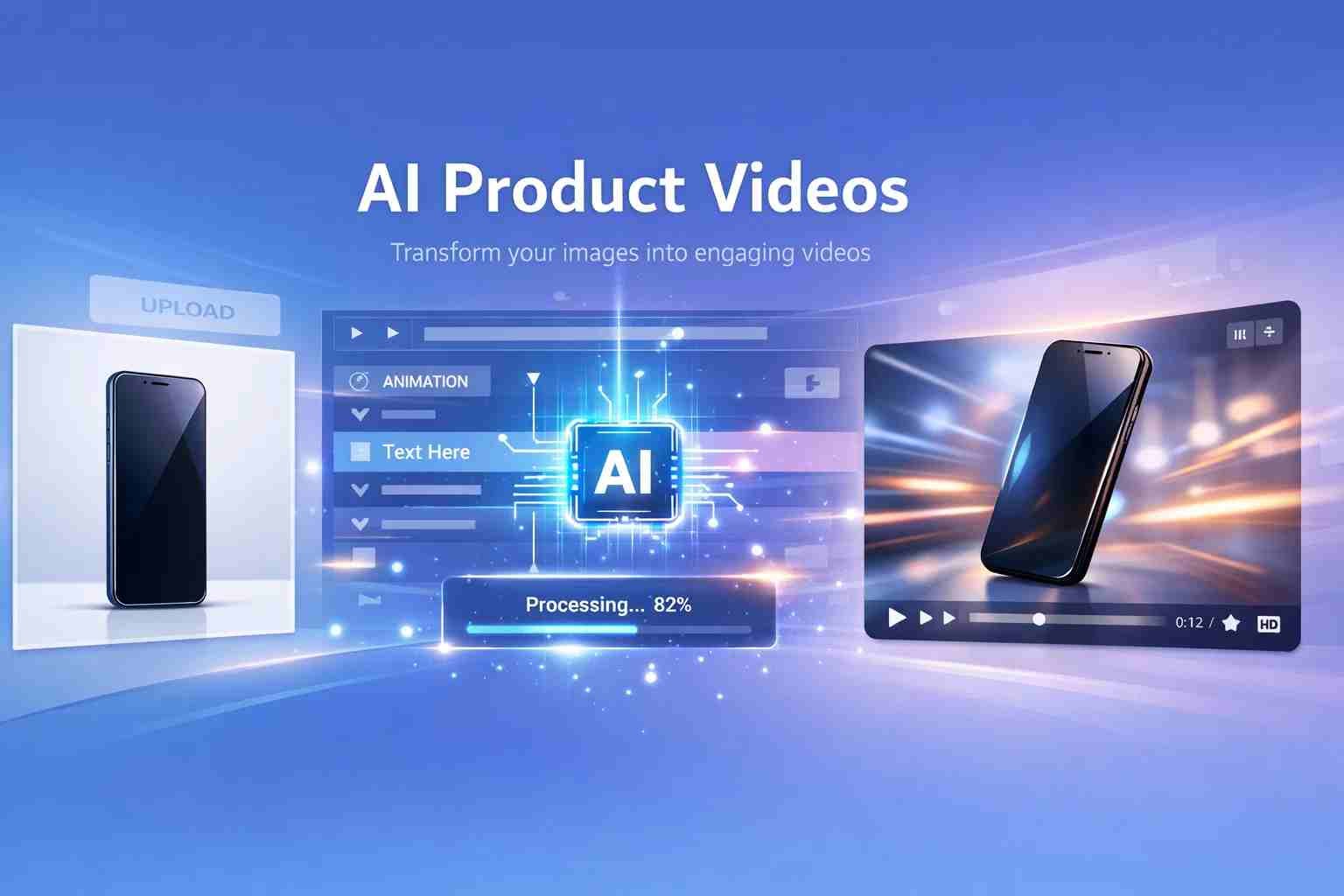
 If you’re wondering whether product to video AI actually works, the short answer is yes. You can take a simple product image and turn it into a professional-looking video in minutes. No camera. No editing skills. No expensive setup.
Here’s the thing. This is not some future idea anymore. Small businesses, dropshippers, and even solo creators are already using AI tools to make product ads, TikTok videos, and social media promos. And honestly, once you see how it works, it feels almost unfair compared to traditional video creation.
Let me walk you through it in a way that actually makes sense.
What does product to video AI actually mean
At its core, product to video AI means turning a product image, description, or idea into a video using artificial intelligence.
Instead of filming your product, setting lights, editing clips, and adding music manually, AI does most of the work. You just give it inputs like:
- Product image
- Product name or description
- A few lines of text
And the AI builds a full video with animations, transitions, text overlays, and sometimes even voiceovers.
Think of it like this. You’re not editing a video anymore. You’re telling AI what you want, and it builds it for you.
Can AI really create product videos on its own
Yes, but with a small catch.
AI can create full product videos automatically, including:
- Scene transitions
- Product highlights
- Background visuals
- Text animations
- Music and voiceovers
But it’s not magic. The output depends on what you give it.
If your product image is clear and your input is good, the result looks surprisingly professional. If your input is weak, the video feels generic.
So yes, AI can do it on its own. But better input always means better output.
How AI turns a simple product into a full video
Let me explain this in a simple flow so it clicks.
You upload a product image. That’s your starting point.
Then the AI does a few things behind the scenes:
- It detects the object in your image
- It creates motion around it, like zoom, rotation, or transitions
- It adds text scenes based on your input
- It chooses background visuals or templates
- It syncs everything with music or timing
In a few seconds, you get something that looks like a mini advertisement.
What used to take hours in editing software now takes a few clicks.
The tools people are actually using right now
There are a lot of tools out there, but a few names keep coming up again and again.
InVideo AI
This one is very beginner-friendly. You can type a prompt like “create product ad video” and it builds the entire video for you.
Pictory
Great for turning product descriptions into video scenes. Works well for storytelling-style ads.
Runway ML
More advanced. If you want high-end visuals or experimental AI videos, this is where things get interesting.
Canva AI Video
Simple, clean, and perfect for quick product promos. If you already use Canva, this feels natural.
Synthesia
Best known for AI avatars and voice videos. Useful if you want someone “presenting” your product.
Each tool has its own style. Some feel more automated, others give more control. But all of them make video creation much easier than before.
What makes AI product videos so powerful for beginners
Honestly, this is where things change completely.
Before AI, making a product video meant:
- Buying equipment
- Learning editing software
- Spending hours on timelines
Now, you can skip all of that.
Here’s why beginners love it:
- Speed – videos in minutes
- Low cost – no production setup needed
- No skills required – just basic input
- Scalability – create multiple videos quickly
If you’re running a small business or testing products, this is a huge advantage.
Where AI videos still struggle a bit
Let’s be real. AI is not perfect.
You’ll notice a few limitations:
- Some videos feel repetitive
- Custom branding can be limited
- Advanced storytelling is still tricky
- Fine control over details is not always possible
So if you’re aiming for a high-end cinematic ad, you’ll still need human editing.
But for everyday product marketing, AI is more than enough.
How to create your first AI product video without stress
Don’t overthink this. Keep it simple.
Start with a clean product image. That’s your base.
Then go into a tool like Canva or InVideo. Upload your product. Add a short description like:
“Wireless earbuds with long battery life and noise cancellation.”
Pick a style that matches your vibe. Clean, modern, or bold.
Let the AI generate the video. After that, just tweak the text or timing slightly.
That’s it. You don’t need to follow complicated steps. Just guide the AI a little and let it do the heavy lifting.
What does AI actually do to videos behind the scenes
This part sounds technical, but it’s actually simple.
AI helps videos by:
- Generating scenes automatically
- Adding motion effects
- Creating voiceovers from text
- Syncing visuals with music
- Adjusting timing and pacing
Instead of editing every frame manually, AI handles the structure for you.
You’re basically moving from “editing” to “directing.”
What is an AI product in this context
This question confuses a lot of people.
An AI product here does not mean the product itself is AI.
It means you’re using AI to present or market a product.
So your product could be anything:
- A phone
- A beauty item
- A digital product
AI just helps turn it into a video.
Real examples where this is already working
This isn’t theory. It’s already happening everywhere.
- Dropshipping stores using AI videos for ads
- TikTok creators making quick product promos
- Small brands creating Instagram reels
- YouTube shorts showing product highlights
If you scroll social media, chances are you’ve already seen AI-generated product videos without realizing it.
Should you rely fully on AI or mix with human editing
Here’s the honest answer.
If you’re starting out, AI alone is enough.
It gives you speed and volume. You can test ideas quickly without spending money.
But once you find something that works, mixing AI with human editing gives better results.
AI for speed. Human touch for polish.
That combination works best.
What I would do if I started today
I wouldn’t overcomplicate things.
I’d pick one tool. Probably Canva or InVideo.
Then I’d create 5 simple product videos in one day. Just testing styles, text, and formats.
After that, I’d see which one performs better. Then improve from there.
No perfection. Just momentum.
Because with AI, speed matters more than perfection.

Alexandra Smith: All things tech, News, Social Media Guide, and gaming expert. Bringing you the latest insights and updates on Mobiledady.com