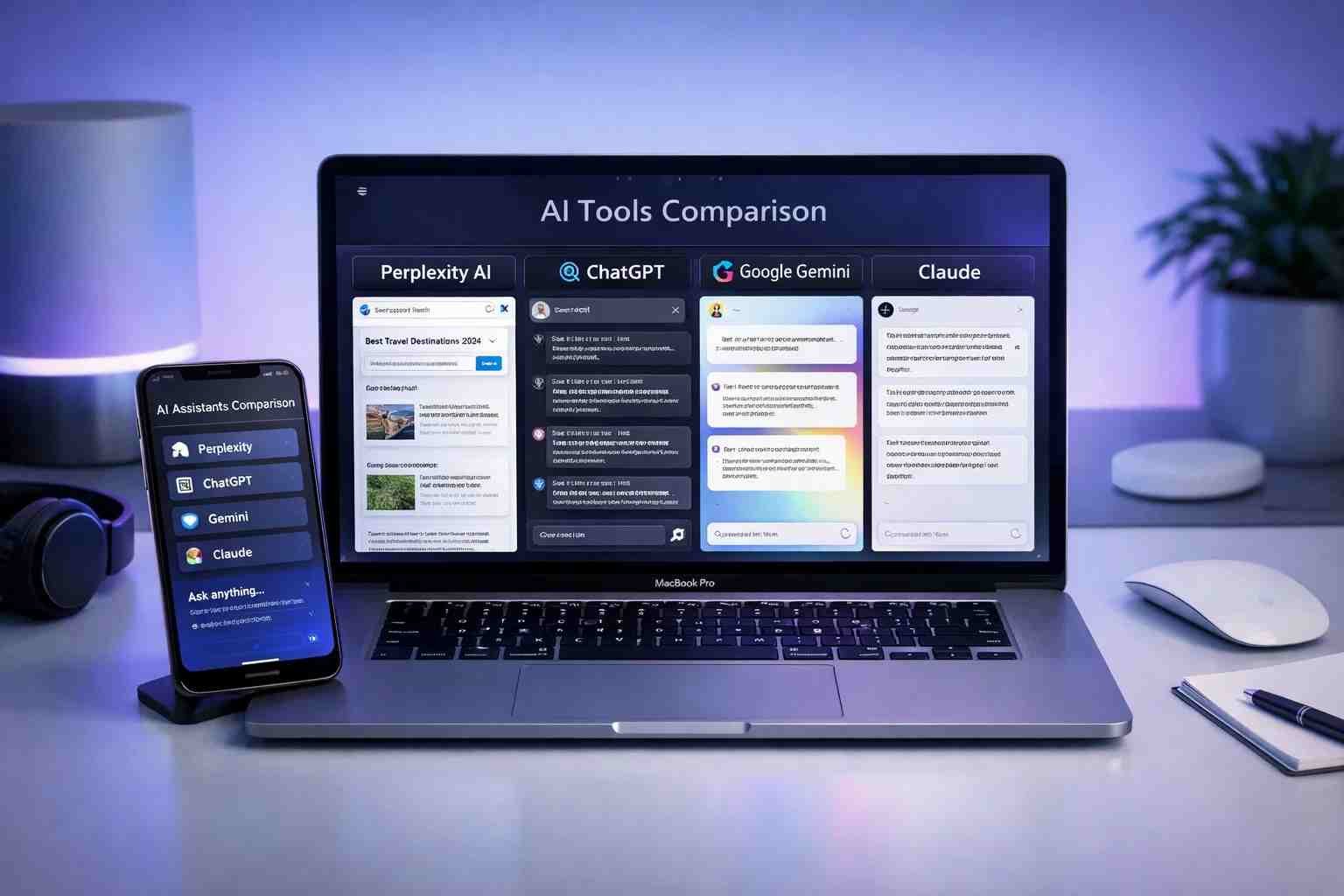
 I’ve spent months testing AI tools for real everyday use, not just demos. And here’s the honest answer: if you’re looking for something similar to Perplexity AI, there are actually several strong options in 2026. Some are even better depending on what you need.
The best alternatives right now are ChatGPT, Google Gemini, Claude AI, and You.com. Each one has its own style. Some are better at research, some at writing, and some feel more like a smart search engine.
Let me explain this in a simple way so you can pick the right one without wasting time.
What is Perplexity AI and why are people looking for similar tools?
Perplexity AI is basically a smart search engine powered by AI. It doesn’t just show links like Google. It gives you direct answers with sources.
That’s why people love it.
But here’s the catch.
Sometimes it feels limited, or you want more features like better writing, deeper conversations, or free access.
That’s when people start searching for tools similar to Perplexity AI.
Think of it like this:
- Perplexity = quick answers + sources
- Other AI tools = deeper thinking + more control
So the real question becomes…
Which AI is better than Perplexity?
Short answer: It depends on what you want.
If you want quick research with sources, Perplexity is great.
But if you want more power, some tools beat it.
Here’s a simple comparison:
| AI Tool | Best For | Better Than Perplexity? |
|---|---|---|
| ChatGPT | Writing, coding, deep answers | Yes (overall power) |
| Google Gemini | Real-time info + Google data | Yes (search integration) |
| Claude AI | Long content, safe responses | Yes (for reading/writing) |
| You.com | AI + search combo | Similar |
So yeah, Perplexity is good… but not always the best.
Is ChatGPT better than Perplexity AI?
Yes, in most cases, ChatGPT is more powerful than Perplexity AI.
Here’s why.
Perplexity is built mainly for answering questions with sources.
ChatGPT, on the other hand, can do a lot more.
It can:
- Write full articles
- Help with coding
- Explain complex topics simply
- Act like a tutor or assistant
But here’s the interesting part.
Perplexity feels faster when you just want quick facts.
ChatGPT feels better when you want deeper help.
So honestly, I use both. And most people do the same once they understand the difference.
Is Perplexity AI the most advanced AI?
No, it’s not.
It’s smart, no doubt. But calling it the most advanced would be a stretch.
Tools like ChatGPT and Gemini are more advanced because they:
- Handle longer conversations
- Understand context better
- Offer more features
- Support images, coding, and advanced tasks
Perplexity is more like a smart search assistant, not a full AI system.
And that’s totally fine. It just depends on your needs.
Which is the No.1 AI app right now?
This question comes up a lot.
Right now, ChatGPT is considered the No.1 AI app globally.
Why?
Because it’s:
- Easy to use
- Extremely powerful
- Constantly updated
- Used by students, professionals, and businesses
But here’s the real answer no one tells you.
There is no single “best AI” for everything.
It’s more like this:
- ChatGPT = best overall
- Perplexity = best for quick research
- Gemini = best for Google users
- Claude = best for long reading/writing
So instead of asking “which is number one,”
ask “which one fits what I need right now.”
Best tools similar to Perplexity AI (Detailed breakdown)
Now let’s go deeper. This is where things get interesting.
ChatGPT – The all-rounder AI
If you want one tool that does almost everything, this is it.
ChatGPT feels like talking to a smart human. You can ask anything, and it responds naturally.
It’s especially good for:
- Writing content
- Studying
- Brainstorming ideas
- Coding help
The only thing?
It doesn’t always show sources like Perplexity does.
Still, for most people, it’s the strongest option.
Google Gemini – Best for real-time answers
Gemini is Google’s AI, so it has one big advantage.
It connects with Google’s data.
That means:
- More up-to-date answers
- Better search integration
- Useful for news and trends
If you already use Google a lot, Gemini feels natural.
But sometimes it’s less creative compared to ChatGPT.
Claude AI – The calm and smart assistant
Claude is different. It feels slower, but more thoughtful.
It’s great for:
- Reading long documents
- Writing detailed content
- Safe and balanced answers
If ChatGPT feels too fast or messy sometimes, Claude feels more organized.
You.com – Hybrid AI search
This one is interesting.
It mixes search results and AI answers together.
So you get:
- Links + AI summary
- More control over sources
It’s actually quite similar to Perplexity.
But honestly, it’s not as popular yet.
How to choose the best Perplexity AI alternative?
Here’s a simple way to decide.
Ask yourself this:
- Want fast answers with sources → Use Perplexity
- Want full writing or deep help → Use ChatGPT
- Want Google-style results → Use Gemini
- Want calm, long explanations → Use Claude
That’s it. Don’t overthink it.
Most people actually switch between 2–3 tools depending on the task.
Real-life example (so you understand better)
Let’s say you search:
“Best phone under 50,000 PKR”
- Perplexity → gives quick answer with sources
- ChatGPT → explains options in detail
- Gemini → shows latest prices and trends
- Claude → gives a structured, thoughtful comparison
Same question… different experience.
Are these AI tools free or paid?
Most of them have both free and paid versions.
Here’s a quick idea:
- Free version → good for basic use
- Paid version → faster, smarter, more features
For example:
- ChatGPT Plus gives better models
- Perplexity Pro gives advanced search
- Gemini Advanced adds premium features
If you’re just starting, free versions are enough.
What should you use in 2026?
Here’s the honest truth.
There’s no need to stick to just one AI.
The smartest users today use multiple tools.
I personally switch like this:
- Quick research → Perplexity
- Writing → ChatGPT
- Updates/news → Gemini
And it works perfectly.
So what’s the final verdict?
If you’re searching for similar to Perplexity AI, you already know one thing.
You want smart, fast answers.
The good news?
You have options. Better ones in some cases.
But don’t chase the “perfect AI.”
Pick one. Use it. Then try others.
That’s how you actually get better results.

Alexandra Smith: All things tech, News, Social Media Guide, and gaming expert. Bringing you the latest insights and updates on Mobiledady.com