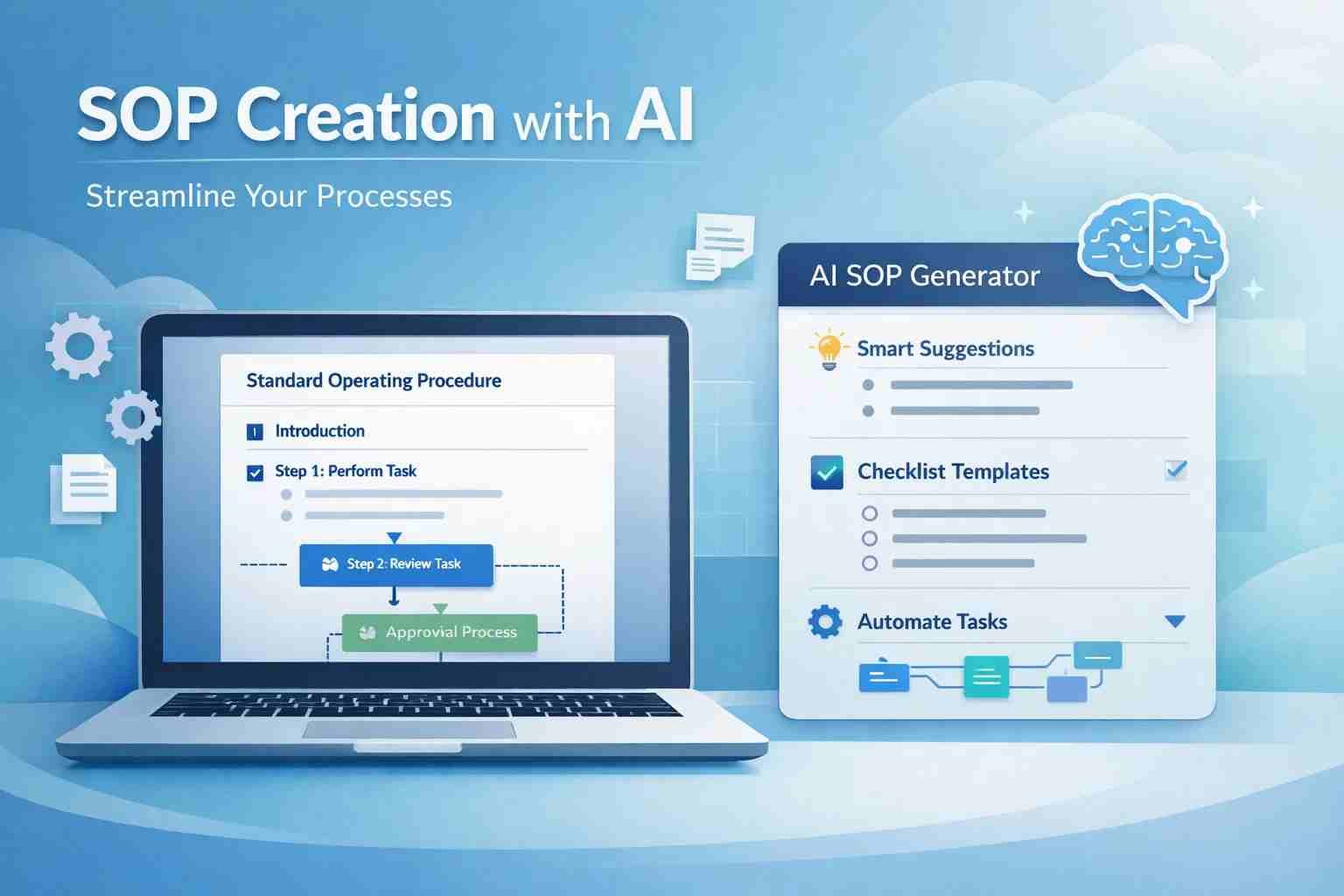
Waybook AI SOP Generator Explained: Can It Replace ChatGPT for SOP Writing?
When people search for the Waybook AI SOP generator, they’re usually trying to solve one simple problem:
“How do I create SOPs fast without making a mess?”
Here’s the short answer.
Yes, Waybook can create SOPs with AI, and in many cases, it does it better than ChatGPT for structured workflows. But it’s not perfect, and it’s not always the best choice for everyone.
Let me walk you through this in a way that actually helps.
What is Waybook AI SOP Generator and why people are using it
Waybook is a tool designed to help businesses create, manage, and organize SOPs (Standard Operating Procedures).
An SOP is just a clear set of instructions for doing something step by step. Think of things like:
- How to onboard a new employee
- How to handle customer support
- How to publish a blog post
Now here’s where things changed.
Before AI, writing SOPs was slow and boring. You had to think, write, edit, format… and most people either delayed it or did it poorly.
Waybook brings AI into this process.
Instead of writing everything from scratch, you describe what you want, and the tool builds a structured SOP for you. Not just text, but organized steps, workflows, and documentation.
That’s why teams, agencies, and startups are using it more now. It saves time and gives structure.
How Waybook actually creates SOPs with AI
Waybook doesn’t behave like a chatbot. That’s the first thing to understand.
Instead of giving you random paragraphs, it works more like a guided system.
You start by describing your process. For example:
“I want an SOP for handling customer complaints.”
Waybook then helps you break it into sections like:
- Overview
- Step-by-step process
- Tools required
- Expected outcome
It often uses templates behind the scenes, which is actually a good thing. Templates keep things clean and consistent.
Let’s say you’re creating a content publishing SOP.
Waybook might generate something like:
- Research topic
- Write draft
- Edit content
- Upload to CMS
- Optimize SEO
The structure comes built-in. You just refine it.
That’s the real strength here.
It doesn’t just write — it organizes.
Can ChatGPT create SOPs or is Waybook better
Let’s answer this clearly.
Yes, ChatGPT can create SOPs.
And in some cases, it does a great job.
But here’s the difference.
ChatGPT is flexible. Waybook is structured.
ChatGPT can give you creative, detailed SOPs if you write a good prompt. But the output is just text. You still need to organize it.
Waybook, on the other hand, is built specifically for SOPs. So it focuses on:
- Clean formatting
- Workflow clarity
- Team usability
Here’s a simple comparison:
| Feature | ChatGPT | Waybook |
|---|---|---|
| SOP writing | Strong | Strong |
| Structure | Manual | Automatic |
| Team use | Limited | Built-in |
| Workflow system | No | Yes |
| Customization | High | Moderate |
So which is better?
If you want raw content, ChatGPT works.
If you want ready-to-use SOP systems, Waybook feels more practical.
Which AI tool is actually best for SOP writing right now
There’s no one-size answer here. It depends on what you need.
Here’s how it usually plays out.
Waybook
Best for teams, businesses, and agencies that want organized SOP systems.
ChatGPT
Best for individuals who want flexibility and control.
Notion AI
Good middle ground. Works well if you already use Notion.
Process Street or similar tools
Better for advanced workflow automation.
So the real question is not “which AI is best.”
It’s “what kind of user are you?”
If you’re running a team, Waybook makes more sense.
If you’re just experimenting or writing solo SOPs, ChatGPT is enough.
Can you safely write your SOP using AI tools
This is where many people get confused.
Yes, you can write SOPs with AI.
But you shouldn’t trust them blindly.
AI tools, including Waybook and ChatGPT, can:
- Miss small but important details
- Add generic steps
- Assume things incorrectly
That’s risky, especially for business workflows.
So here’s the right approach.
Use AI for the first draft.
Then review it like a human who actually does the job.
For example, if you’re writing an SOP for customer support, check:
- Does it match your real process?
- Are tools correctly mentioned?
- Are steps practical or just theoretical?
AI saves time, but your experience makes it accurate.
What using Waybook feels like in real life
Honestly, it feels clean and focused.
You don’t get overwhelmed with too many options. The interface is simple. You’re guided through creating SOPs instead of guessing what to do.
One thing people like is how everything stays organized. You’re not dealing with messy documents scattered everywhere.
It’s especially helpful when:
- Training new employees
- Standardizing processes
- Scaling a business
But there’s also a small learning curve.
At first, you might feel like it’s too structured. Especially if you’re used to free writing tools like ChatGPT.
After a bit of use, though, it starts to make sense.
Where this tool makes things easier and where it struggles
Let’s be honest for a moment.
Waybook is not perfect.
Here’s where it shines:
- Saves time on SOP creation
- Keeps everything structured
- Helps teams follow processes easily
Now the other side.
It can feel limiting if you want full creative control.
The AI suggestions can sometimes feel generic.
And depending on your plan, pricing might be a factor.
Also, it’s not ideal for very complex or highly technical SOPs without manual editing.
So it helps, but it doesn’t replace thinking.
How to create your first SOP using Waybook without confusion
Start simple.
Don’t try to build a full company system on day one.
Pick one small process. Something like:
“How to reply to customer emails”
Then describe it in plain language.
Waybook will guide you into sections. Just follow that flow and refine each part.
Focus on clarity, not perfection.
Once you finish one SOP, the next ones become easier. You start understanding how to break tasks into steps.
That’s where the real value comes in.
Common mistakes people make when using AI for SOPs
This part matters more than people think.
The biggest mistake is trusting AI too much.
People generate SOPs and use them without checking. That’s risky.
Another common issue is vague input.
If you say “create SOP for marketing,” you’ll get generic output. But if you say:
“Create SOP for posting Instagram reels daily with captions and hashtags”
Now the result becomes useful.
Also, many people skip customization. They accept AI output as final.
That’s where SOPs fail in real use.
So should you use Waybook AI SOP Generator or not
Here’s the honest answer.
If you’re working alone and just need ideas, you don’t really need Waybook. ChatGPT can handle that.
But if you’re managing a team, training people, or building systems, Waybook starts making a lot of sense.
It’s not about replacing ChatGPT.
It’s about using the right tool for the right job.
Waybook gives structure.
ChatGPT gives flexibility.
Most smart users actually use both together.
And once you see how much time structured SOPs save, it’s hard to go back to doing everything manually.

Muhammad Nawaz, tech guru & gaming aficionado. Your go-to for mobile news, gaming updates & expert blogging tips.