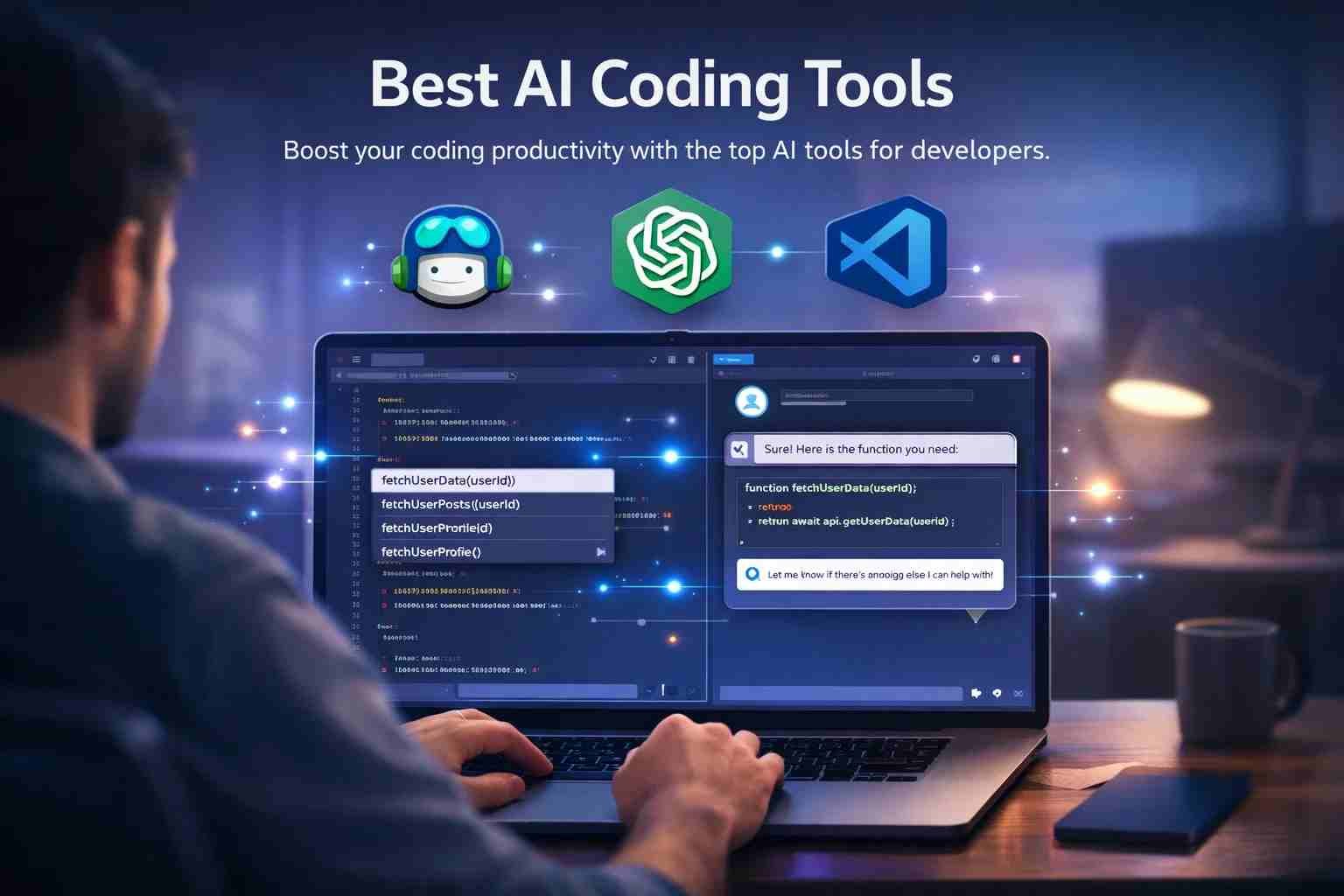
 If you want a straight answer, the best AI tools for coding right now are GitHub Copilot, ChatGPT, Codeium, and CodeGPT. These tools don’t replace developers, but they can save hours of work by writing code, fixing errors, and explaining things in simple words.
Here’s what matters. AI is not magic. It’s like having a smart assistant sitting next to you while you code. If you use it the right way, it can make you faster and more confident, even if you’re just starting.
Let me break this down in a way that actually helps.
What is the best AI tools for coding right now
The short answer is simple. No single tool is perfect. It depends on what you need.
But these are the ones developers are actually using daily:
- GitHub Copilot – best for auto code suggestions
- ChatGPT – best for explaining and fixing code
- Codeium – best free alternative
- CodeGPT (VS Code extension) – best for integrated AI coding help
- Replit Ghostwriter – best for browser-based coding
If you’re a beginner, start with ChatGPT.
If you’re coding daily, Copilot is hard to beat.
Why developers are using AI for coding more than ever
Because it saves time. Simple as that.
Instead of writing everything from scratch, developers now:
- Get instant code suggestions
- Fix bugs faster
- Understand complex logic easily
- Automate repetitive tasks
Here’s a real example.
You’re stuck on a Python error. Normally, you’d search Google, open 5 tabs, read forums.
Now you just paste the error into ChatGPT and get a clear answer in seconds.
That’s why AI is becoming part of everyday coding.
The most popular AI coding tools people are actually using
GitHub Copilot
This is the most widely used AI coding tool.
It works inside editors like VS Code and suggests code as you type. Almost like autocomplete, but much smarter.
It can:
- Write full functions
- Suggest logic
- Help in multiple languages
It’s paid, but worth it if you code daily.
ChatGPT for coding
ChatGPT is not just for chatting. It’s one of the best coding assistants.
You can:
- Ask it to write code
- Debug errors
- Convert code between languages
- Learn concepts step by step
The best part? It explains things like a teacher.
Codeium and CodeGPT
If you want free options, these are solid.
Codeium
- Free alternative to Copilot
- Works in many IDEs
- Good for autocomplete
CodeGPT
- Extension for VS Code
- Connects AI directly inside editor
- Useful for quick coding help
Replit Ghostwriter and others
Replit is great if you don’t want to install anything.
You code in browser and AI helps you in real time.
There are also newer tools like:
- Cursor AI editor
- Devin AI (advanced AI agent concept)
These are pushing things even further.
Which AI is most used for coding today
Two names dominate:
GitHub Copilot + ChatGPT
Copilot is used for writing code fast.
ChatGPT is used for thinking, fixing, and learning.
Most developers use both together.
Can AI really write most of your code now
You may have heard “AI writes 90% of code.”
That’s not fully true.
AI can:
- Write basic and repetitive code
- Help with structure
- Suggest improvements
But it still needs a human to:
- Understand logic
- Fix mistakes
- Make decisions
So yes, AI helps a lot.
But no, it can’t replace developers.
Which AI tools are free and worth trying
If you don’t want to spend money, start here:
- ChatGPT free version
- Codeium
- Replit AI (limited free use)
These are enough to learn and even build small projects.
What is CodeGPT and is it free or not
CodeGPT is not the same as ChatGPT.
It’s a VS Code extension that connects AI directly inside your editor.
You can:
- Ask coding questions inside VS Code
- Generate code
- Fix bugs
Some features are free, but advanced use may require API access.
Can beginners use AI to learn coding faster
Yes, and this is where AI really shines.
Instead of getting stuck, beginners can:
- Ask questions anytime
- Get simple explanations
- Practice faster
For example:
You ask, “What is a loop in Python?”
AI explains it, gives example, and even shows mistakes.
That’s like having a tutor 24/7.
Python vs C for AI and coding tools
If your goal is AI, go with Python.
Why?
- Easy to learn
- Huge AI libraries like TensorFlow and PyTorch
- Most AI tools support Python first
C and C++ are still used, especially in systems like NASA, but for AI learning, Python is the best choice.
How developers actually use AI in daily coding
Here’s what real workflow looks like:
They don’t just say “write full app.”
Instead, they:
- Use AI for small parts
- Generate functions
- Debug errors
- Refactor messy code
It’s like working with a smart helper, not replacing your brain.
Which AI agent is best for coding tasks
AI agents are the next level.
These are tools that try to do tasks on their own.
Examples include:
- AutoGPT
- Devin AI (experimental)
- Copilot Workspace
Right now, they are powerful but not perfect.
For everyday use, simple tools like Copilot and ChatGPT are still better.
Quick answers to common coding questions people ask
Can I use AI to make code?
Yes. It can generate code quickly and help fix it.
How to write “I love you” in coding?
In Python:
print("I love you")
Can I learn ML in 3 months?
You can learn basics, but mastery takes time.
Does NASA use C++ or Python?
Both. C++ for performance, Python for research and scripting.
The part most people misunderstand about AI and jobs
People think AI will kill coding jobs.
That’s not how it works.
AI removes boring work, not skilled work.
Jobs that survive AI:
- Software development
- AI engineering
- Creative problem solving
Developers who use AI will grow faster.
Those who ignore it may struggle.
So what should you actually use
If you’re just starting:
Use ChatGPT + Codeium
If you’re serious about coding:
Use GitHub Copilot + ChatGPT
If you want to experiment:
Try Replit or AI editors like Cursor
That’s honestly the smartest setup right now.
And here’s the thing.
AI is not here to replace you. It’s here to make you faster.
Once you start using it properly, coding feels less frustrating and a lot more interesting.

Muhammad Nawaz, tech guru & gaming aficionado. Your go-to for mobile news, gaming updates & expert blogging tips.