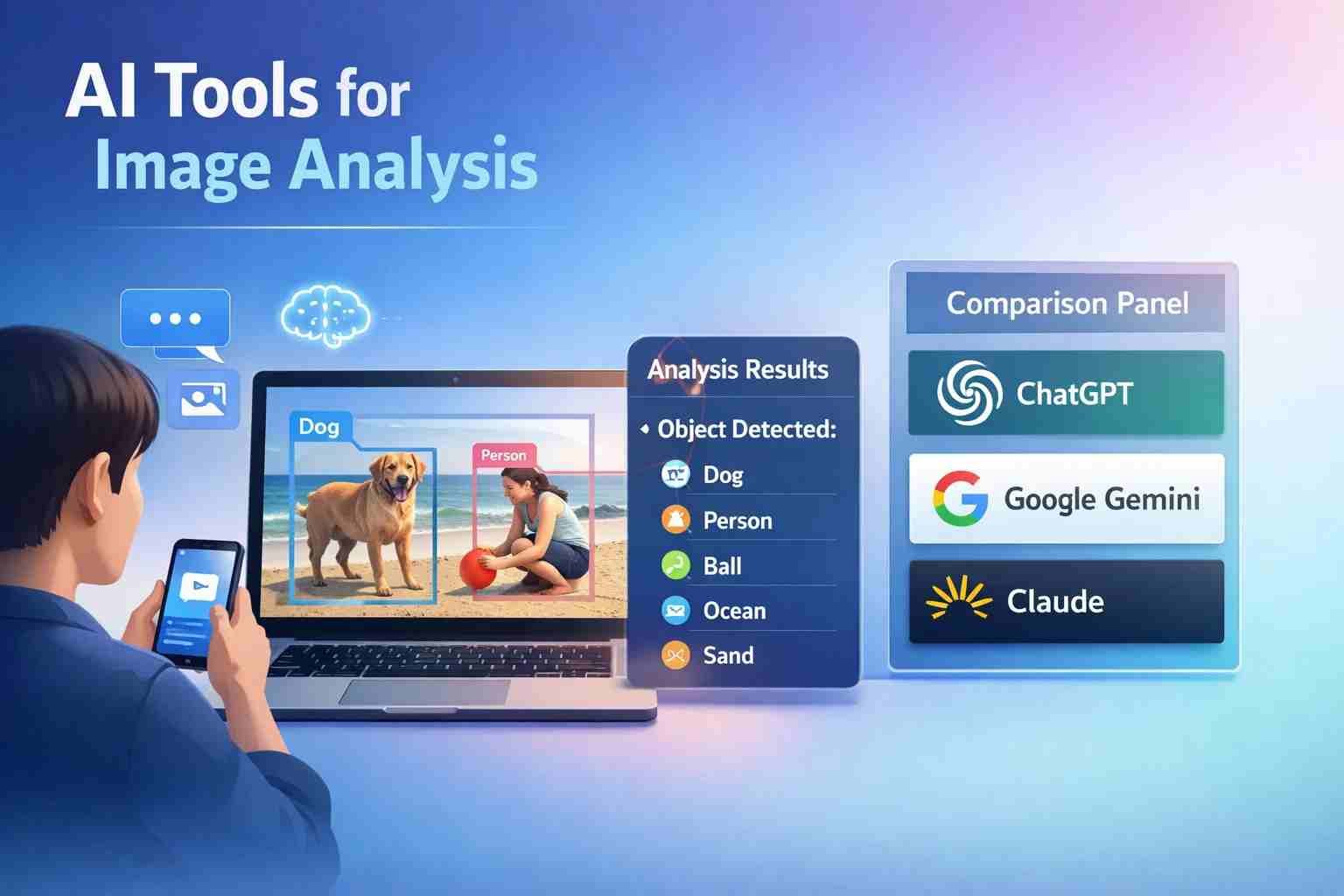
 If you’re wondering which AI can analyze images, here’s the simple answer: yes, several AI tools can do it, and some are surprisingly good. Tools like ChatGPT (GPT-4 with vision), Google Gemini, and Microsoft Copilot can look at an image, understand what’s inside it, read text, and even explain it in plain English.
But not all AI tools are equal. Some are built for casual users, while others are made for developers and businesses. Let me walk you through what actually works, what doesn’t, and what you should use.
Which AI can analyze images right now
Right now, the most reliable AI tools that can analyze images include:
- ChatGPT (GPT-4 Vision)
- Google Gemini (formerly Bard)
- Microsoft Copilot
- Amazon Rekognition
- Clarifai
These tools can:
- Detect objects in images
- Read text from photos (OCR)
- Describe scenes
- Identify people, animals, or products
- Analyze screenshots
Here’s the thing: some tools are simple and user-friendly, while others are powerful but technical.
Can ChatGPT actually analyze images or not
Yes, ChatGPT can analyze images, and it does it quite well.
If you upload an image, ChatGPT can:
- Describe what’s happening in the picture
- Read text from screenshots
- Explain charts and graphs
- Identify objects, places, and actions
For example, you can upload:
- A homework question → it explains it
- A broken device photo → it suggests fixes
- A document → it reads and summarizes
But let me be honest. It’s not perfect.
Sometimes it can:
- Misidentify objects
- Miss small details
- Struggle with blurry images
Still, for everyday use, it’s one of the easiest tools available.
Which AI tools are best for image analysis today
Let’s break this down in a practical way.
ChatGPT
Best for beginners and everyday users.
Easy to use, no setup needed.
Google Gemini
Very strong at understanding images and context.
Good for research and complex tasks.
Microsoft Copilot
Works well inside Windows and Edge.
Great for productivity tasks.
Amazon Rekognition
Used by companies.
Can detect faces, emotions, objects at scale.
Clarifai
Developer-focused tool.
Good for custom AI models and training.
If you’re just starting, stick with ChatGPT or Gemini. The others are more technical.
Here’s how these AI tools actually understand images
AI doesn’t “see” images like humans.
Instead, it breaks images into patterns and pixels.
Here’s a simple way to understand it:
- AI looks at shapes, colors, and edges
- It compares them with millions of trained examples
- Then it predicts what the image likely contains
This process is called computer vision.
For example:
If AI sees four legs, fur, and a tail, it predicts “dog.”
It’s not thinking. It’s matching patterns very fast.
Can DeepSeek analyse a picture or is it text only
Right now, DeepSeek is mainly a text-based AI.
It’s strong in:
- coding
- writing
- reasoning
But when it comes to image analysis, it’s not as capable as ChatGPT or Gemini.
So if your main goal is analyzing images, DeepSeek is not the best choice at the moment.
What people usually misunderstand about AI image analysis
A lot of people think AI understands images like humans do.
That’s not true.
AI:
- doesn’t “see” meaning
- doesn’t understand emotions deeply
- doesn’t know context unless trained
It just predicts based on data.
That’s why sometimes AI says something confidently… and still gets it wrong.
The types of AI behind image recognition explained simply
You don’t need a technical background to get this.
Here are the main types involved:
Narrow AI
This is what we use today.
It does one task well, like image recognition.
Machine Learning
AI learns from data instead of being programmed step by step.
Deep Learning
A more advanced version using neural networks.
This is what powers image recognition.
Computer Vision
This is the part of AI that deals with images and videos.
People also talk about 7 types of AI or 4 types of AI, but for image analysis, these are the ones that actually matter.
Quick answers to the questions everyone keeps asking
Let’s clear some common confusion.
What does GPT stand for?
Generative Pre-trained Transformer.
Can ChatGPT do image recognition?
Yes, especially GPT-4 with vision.
Which AI can read an image?
ChatGPT, Google Gemini, Microsoft Copilot.
What is the golden rule of AI?
Garbage in, garbage out.
If the data is bad, results will be bad.
What is the 30% rule for AI?
It usually refers to AI improving productivity by around 30%, not a strict rule.
Which countries and companies are leading AI right now
AI leadership is mostly dominated by:
- USA → OpenAI, Google, Microsoft
- China → Baidu, Alibaba, Tencent
Big players (often called the “big 4 of AI”):
- OpenAI
- Google DeepMind
- Microsoft
- Amazon
These companies are building the tools you’re using today.
Jobs and future of AI image tools
AI is changing jobs, but not all jobs are disappearing.
Some roles will survive easily:
- creative work
- human interaction jobs
- skilled technical roles
New high-paying jobs are also emerging.
That “$900,000 AI job” people talk about?
It usually refers to top AI engineers or researchers in big companies.
Not common, but it shows how valuable AI skills have become.
So which AI should you actually use
If you just want a simple answer:
- Use ChatGPT for daily use
- Use Google Gemini for deeper analysis
- Use Copilot if you’re on Windows
- Use Amazon Rekognition for business
Honestly, most people don’t need complicated tools.
ChatGPT alone is enough for 80% of use cases.
The part most people ignore when using AI tools
Here’s where it gets a bit serious.
When you upload images:
- Your data may be stored
- Privacy can be affected
- Sensitive images should be avoided
Also, always double-check results.
AI can be helpful, but it’s not always correct.
Where this is all heading next
AI image analysis is moving fast.
What’s coming next:
- real-time camera analysis
- AI analyzing videos, not just photos
- integration with AR and smart glasses
Soon, you won’t just upload images.
AI will analyze what you see live.
And honestly, we’re just getting started.

Alexandra Smith: All things tech, News, Social Media Guide, and gaming expert. Bringing you the latest insights and updates on Mobiledady.com