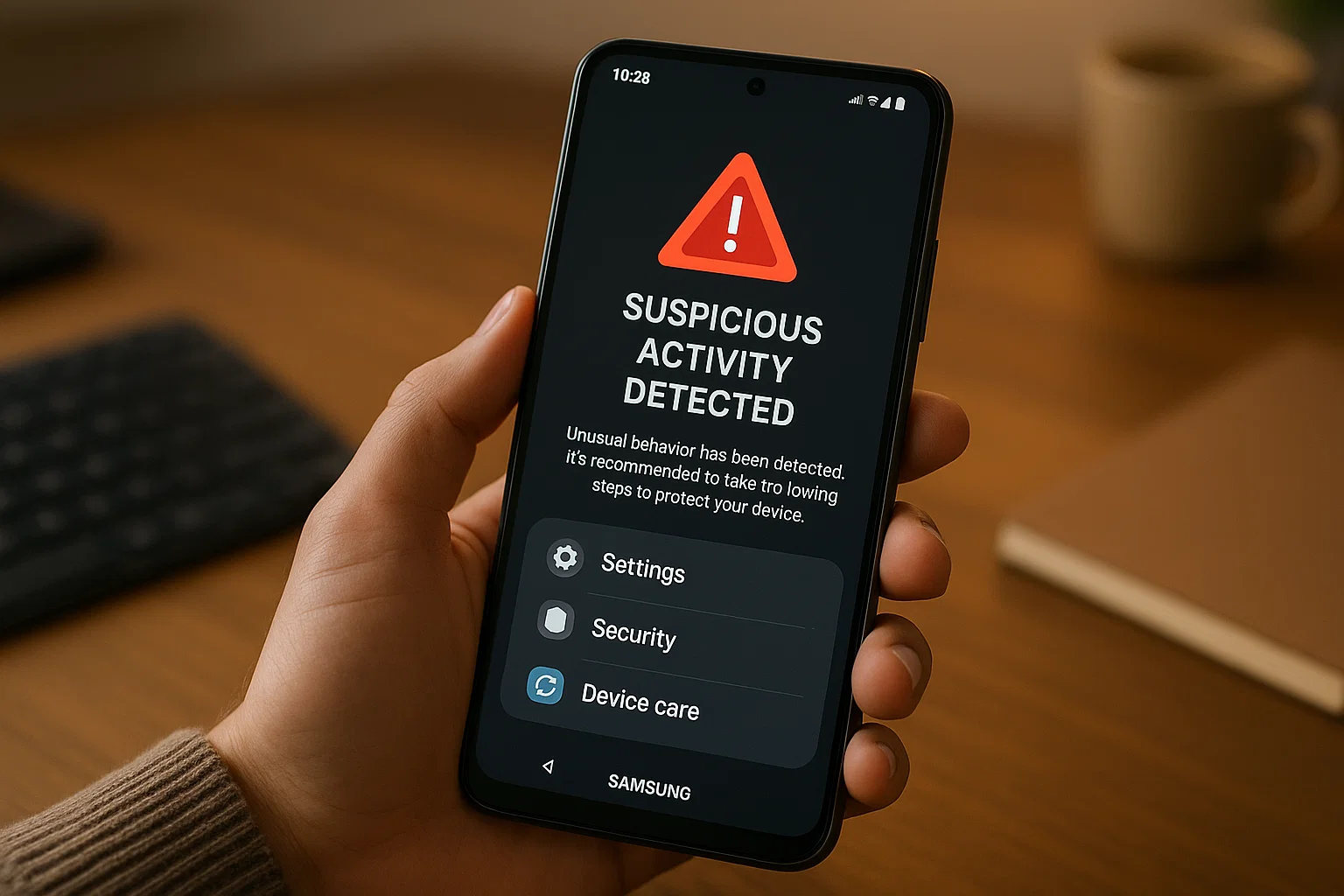
 When your Samsung phone starts acting weird, your heart drops a little. I get it. Anyone would panic if their mobile slows down for no reason, apps open on their own, or the battery disappears like water in the desert. The good news is that you can remove a hacker from your Samsung phone, even if you feel completely lost right now.
Here’s the quick version before we go deep:
To remove a hacker from your Samsung phone, immediately disconnect the internet, identify suspicious apps, reset permissions, check Samsung dial codes, log out from all devices, change all passwords, run Samsung Device Care, and if needed, perform a factory reset.
Now let’s break everything down slowly, in a way that makes sense even if you’re not “techy.”
This is your full 2025 guide clear, calm, and step-by-step so you can get your phone back in your control.
What Are the Signs My Samsung Phone Has Been Hacked?
If you feel something is off, trust that feeling. Most people notice the signs long before they know their phone is hacked.
Here’s what usually shows up first:
1. Your battery drains faster than normal
If you aren’t using your phone but it still dies quickly, something might be running in the background possibly spyware or a hidden app.
2. Strange apps appear on your phone
Apps you never downloaded… or apps with weird names… or apps without icons.
These are red flags.
3. Your phone heats up while idle
A hot phone without heavy use often means something is constantly running in the background.
4. Random pop-ups or ads
Even when no browser is open. This is a classic sign of adware or tracking malware.
5. Messages you never sent
If someone gets a message from you, and you swear you didn’t send it?
Worry time.
6. Suspicious activities in your Google or Samsung accounts
Unknown devices logged in
New passwords you didn’t change
Login attempts from other countries
7. Your data usage shoots up
Malware sends your phone’s information to someone else. This burns mobile data quickly.
You don’t need all signs. Even one or two are enough to take action right away.
Can You Remove a Hacker From Your Samsung Phone?
Yes, you absolutely can.
Samsung phones come with strong security layers:
Samsung Knox, Device Care, Secure Folder, Google Play Protect, and Samsung Account protection.
Most hacks are fixable unless someone has physical access to your phone or you installed a dangerous app from outside the Play Store.
So let’s move to the practical steps.
What To Dial To See If Your Samsung Phone Is Hacked?
Samsung doesn’t have a single magic code that says “Your phone is hacked.”
But it does have dial codes that help you check hidden logs and running processes.
These two matter the most:
1. *#9900# Samsung SysDump
This opens Samsung’s debugging and dumping menu.
You can check:
- System logs
- Running apps
- Debug levels
It’s useful when you want to see unusual processes running behind the scenes.
Important: Don’t change random settings here. Just check logs.
2. *#*#4636#*#* Phone Info Menu
From here, you can check:
- App usage
- Running services
- Wi-Fi and mobile radio activities
If something is draining data or running non-stop, you’ll see it here.
Other Helpful Codes (Safe to Use)
*#06#→ Shows your IMEI. If the IMEI doesn’t match your phone box, someone may have tampered with the device.*#0*#→ Samsung hardware test menu.##4636##→ Network diagnostics.
Dial codes don’t delete hacking they just help confirm the suspicion.
*What Does #9900 Do To Your Phone Samsung?
Since many people search this, here’s the clear answer:
*#9900 opens the Samsung SysDump menu.
It lets you access deep system logs, debugging data, and RAM management tools.
You can use it to:
- Check hidden running apps
- Clear system logs
- Inspect unusual behavior
But don’t worry opening the menu won’t damage your phone.
Just don’t toggle anything you don’t understand.
How To Remove a Hacker From My Samsung Phone (Full Step-by-Step Guide)
This is the main part of the article and trust me, if you follow these steps, you’ll clean your Samsung phone completely.
Let’s go step by step.
Step 1 Disconnect Internet Immediately
When your phone is hacked, the hacker’s access depends on your internet connection.
Turn everything off:
- Wi-Fi
- Mobile data
- Hotspot
- Bluetooth
This cuts off the hacker instantly.
Step 2 Restart Your Phone in Safe Mode
Safe Mode blocks all third-party apps.
If the problem disappears in Safe Mode, the hacker entered through an app.
How to enter Safe Mode on Samsung:
- Hold Power Button
- Hold “Power Off”
- Tap “Safe Mode”
Now watch:
- Does your phone stop lagging?
- Do pop-ups disappear?
- Does the battery stop draining?
If yes, the problem is not Samsung it’s one of your apps.
Step 3 Find and Remove Suspicious Apps
While still in Safe Mode, open:
Settings → Apps
Look for:
- Apps you never installed
- Apps without icons
- Apps with names like:
- System Update
- Location Service
- Security Plugin
- Cleaner Pro
- Apps showing “Install from Unknown Sources”
Uninstall them one by one.
If the uninstall button is disabled:
Go to:
Settings → Device Admin Apps
Turn off its device admin rights.
Now uninstall.
Step 4 Reset All App Permissions
Hackers rely on permissions like:
- Camera
- Microphone
- Contacts
- Location
- SMS
- Notifications
- Accessibility
Reset everything:
Settings → Privacy → Permission Manager → Reset All Permissions
Now each app must ask again.
Hackers lose their control right here.
Step 5 Check Accessibility Settings (Very Important)
Most Android malware controls your screen using “Accessibility.”
Go to:
Settings → Accessibility → Installed Services
If you see any service ON that you don’t recognize turn it off immediately.
This includes:
- Auto Clickers
- Unknown Voice Assistants
- Screen Readers that you didn’t enable
Accessibility hacking is common in 2025, so check this twice.
Step 6 Remove Unknown Devices From Your Accounts
Hackers often use synced accounts to stay inside your phone even after removing apps.
You must remove them from:
Your Samsung Account
Settings → Samsung Account → Devices
Remove anything that isn’t your phone.
Your Google Account
Go to:
Google.com → Manage your account → Security → Your devices
Remove all unknown:
- Phones
- Laptops
- Browsers
- Locations
This one step kicks out 90% of hackers permanently.
Step 7 Change All Passwords
Hackers often start by stealing passwords.
Change:
- Samsung
- Banking apps
Use strong passwords now, not later.
Try something like:
Mypetsami123!
House1029@
Not your birthday.
Not 12345.
Not your name.
Step 8 Clear Browser Malware
Sometimes the hacker enters through a browser.
Open Chrome:
Settings → Privacy → Clear Browsing Data
Clear:
- History
- Cookies
- Saved logins
- Cached files
Now open:
Chrome → Settings → Site Settings → Notifications
Remove any site sending random pop-ups.
Hackers love this trick.
Step 9 Use Samsung Device Care
Go to:
Settings → Device Care
Run:
- Malware Scan
- Memory Optimization
- Battery Usage Analysis
Samsung uses Knox security one of the best in the world.
If something harmful exists, you’ll see a warning.
Step 10 Update Your Phone (Don’t Skip This)
Old software has loopholes that hackers exploit.
Go to:
Settings → Software Update → Download and Install
In 2025, Samsung patches vulnerabilities almost every month.
Step 11 Reset Network Settings
If someone hacked you through Wi-Fi or Bluetooth, this helps.
Go to:
Settings → General Management → Reset → Reset Network Settings
This wipes:
- Saved Wi-Fi
- Hotspot settings
- Bluetooth history
- VPN profiles
Goodbye hidden tunnels.
Step 12 Backup Important Files
Before the final step, save only what you trust:
- Photos
- Contacts
- Documents
Do not backup apps.
Do not backup system settings.
Do not backup unknown files.
Step 13 Factory Reset (Only If Needed)
If hacking signs still remain, use this.
Go to:
Settings → General Management → Reset → Factory Data Reset
This wipes everything, including malware buried deep in the system.
After reset:
- Reinstall only necessary apps
- Re-enable only trusted permissions
- Update software immediately
Your Samsung phone becomes fresh again.
How To Protect Your Samsung From Hackers in the Future
After fixing the problem, stay smart.
1. Never install apps from random websites
Only Google Play Store or Samsung Galaxy Store.
2. Avoid modded apps
“WhatsApp Pro,” “PUBG Hack,” “Free VPN Unlimited,” etc.
These are hacker magnets.
3. Lock your phone with biometrics
Fingerprint or Face unlock.
4. Turn off unknown apps installing
Settings → Security → Unknown Sources → OFF
5. Don’t click random links
Even if your friend sends it.
6. Use Secure Folder for private apps
7. Keep software updated
Every update fixes security holes.
FAQ’s:
How do I know if someone is spying on my Samsung phone?
Check battery usage, unknown apps, permission history, Google account activity, and Samsung Device Care. If anything feels “off,” assume it’s spyware until proven safe.
Can a hacker see my WhatsApp messages?
Not directly. WhatsApp is encrypted.
But if they control your phone through accessibility permissions or screen recording apps, yes they can.
What is the fastest way to remove a hacker?
Safe Mode → Remove suspicious apps → Reset permissions → Log out unknown devices → Change passwords → Run Device Care.
Is a factory reset guaranteed to remove a hacker?
Yes, unless your phone is rooted or modified.
For normal users, factory reset wipes everything harmful.
Is Your Samsung Is Safe Again?
Getting hacked feels personal. It’s your phone, your photos, your chats, your life.
But once you follow these steps, you take back control. And honestly, you learn something important too your privacy is worth protecting every single day.
Keep your phone updated, stay careful with apps, and never ignore small warning signs.
If your Samsung ever acts strange again, you’ll know exactly what to do.

Muhammad Nawaz, tech guru & gaming aficionado. Your go-to for mobile news, gaming updates & expert blogging tips.