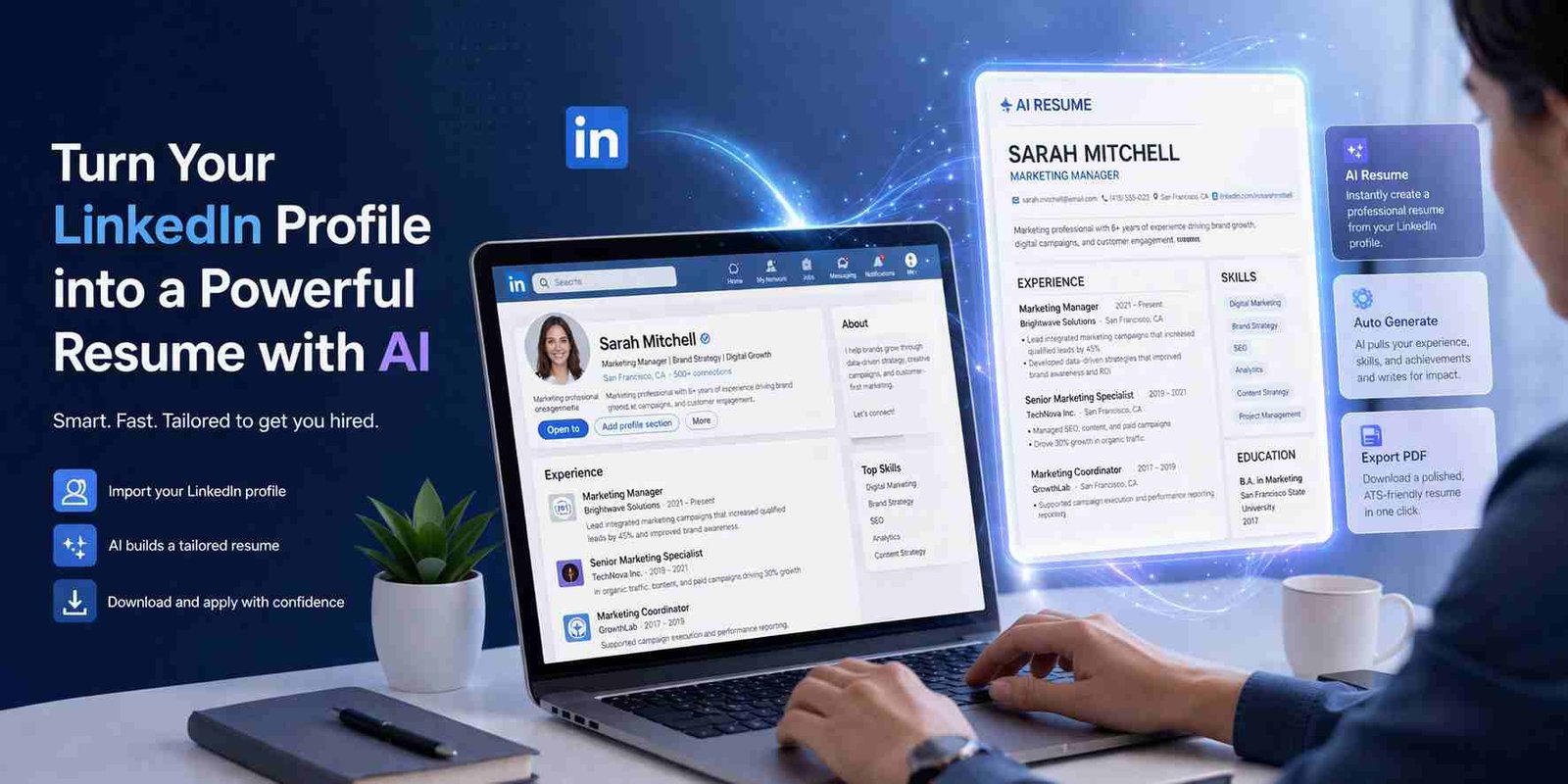
 If you’re trying to turn your LinkedIn profile into a resume using AI for free, here’s the straight answer: yes, it’s possible, but not always in one click like people expect. Some tools work really well. Others look good but fail when you actually try them.
Let me explain what’s actually working right now, what LinkedIn changed, and how you can get a clean resume without wasting hours.
What people really mean when they search this
Most people searching “linkedin profile to resume converter ai free” want something simple.
They don’t want to build a resume from scratch. They already did the hard work on LinkedIn. Now they just want:
- A proper CV format
- Clean design
- One-click download
The problem is, many guides online are outdated. LinkedIn changed things, and a lot of tools promise automation but don’t deliver fully.
So the goal isn’t just conversion. It’s getting a usable, professional resume quickly.
Can LinkedIn still create a resume from your profile
Short answer: yes, but not like before.
LinkedIn used to have a very clear “Resume Builder” tool. That’s why people now search things like linkedin resume builder gone.
Here’s what still works:
- You can go to your profile
- Click “More”
- Then choose Save to PDF
This gives you a resume-style document.
But here’s the issue. That PDF is:
- Basic
- Not optimized for ATS systems
- Not customizable
So technically, LinkedIn can still generate a resume. But it’s not enough if you want something polished or AI-enhanced.
The easiest way to turn your LinkedIn into a CV today
If you want something quick without tools, here’s the simple way:
Start by downloading your LinkedIn profile as PDF. Then open it and clean it up in Word or Google Docs.
That works… but it’s manual.
Now here’s where AI tools help. They:
- Rewrite your content
- Improve bullet points
- Format sections properly
So instead of starting from zero, you start from LinkedIn and upgrade it with AI.
Free AI tools that actually convert LinkedIn to resume
Let’s talk about tools that people actually use. No hype.
Rezi AI
Rezi is one of the strongest tools right now for AI resumes.
What it does well:
- AI rewriting based on job role
- ATS-friendly formatting
- Easy section editing
What it doesn’t do perfectly:
- No direct LinkedIn import for free users
Still, you can copy-paste your LinkedIn data and it works smoothly.
Teal Resume Builder
Teal is closer to what people expect from a LinkedIn resume tool.
Why people like it:
- Chrome extension pulls LinkedIn data
- Clean dashboard
- Resume tracking features
Free version is decent, but some features are locked.
Kickresume
Kickresume focuses more on design + AI.
Good for:
- Quick resume creation
- AI-generated summaries
- Ready templates
But here’s the thing. You’ll still need to adjust your content.
Enhancv and Resume.io
These are popular, but not fully “free” in reality.
They allow:
- Resume building
- Template selection
But download is usually paid.
So if you’re searching “linkedin resume builder free download,” this is where people get stuck.
What Reddit users are saying and what actually works
If you check Reddit threads on linkedin to resume converter free reddit, you’ll notice a pattern.
People complain about:
- Tools asking for payment at the end
- Broken LinkedIn imports
- Poor formatting
And honestly, they’re right.
The tools that actually work are not fully automated. The best results come when you:
- Import or paste LinkedIn data
- Let AI improve it
- Then tweak manually
That’s the real workflow.
Why most LinkedIn resume converters fail
Here’s the part most blogs don’t explain.
LinkedIn profiles are not resumes.
They include:
- Extra descriptions
- Different structure
- Casual language
When tools try to convert this directly, problems happen:
- Long paragraphs
- Weak bullet points
- Missing impact
So even AI needs some guidance.
The part most people miss when using AI resume builders
AI is powerful, but it’s not magic.
If your LinkedIn profile is weak, your resume will be weak too.
What actually works:
- Edit your LinkedIn before exporting
- Add numbers and results
- Keep descriptions clear
Then use AI.
This small step makes a huge difference.
If you want a fast clean resume without overthinking
Here’s a simple workflow that works for most people:
- Download your LinkedIn profile
- Copy content into Teal or Rezi
- Let AI rewrite key sections
- Choose a clean template
- Export PDF
That’s it.
No complicated setup. No wasted time.
LinkedIn resume builder confusion explained clearly
A lot of users are confused about:
linkedin resume builder link
There’s no single dedicated page anymore like before.
linkedin resume builder gone
Not fully gone, just limited now.
generate resume from linkedin app
Mobile app doesn’t give full features. Desktop works better.
So the confusion is real, but the solution is still there.
What I would personally do in your place
If I had to do this quickly, I’d keep it simple.
I would:
- Use LinkedIn PDF export
- Paste into Rezi
- Let AI improve it
- Fix wording manually
That gives you a clean, strong resume in under 30 minutes.
Where things are heading next with AI resumes
AI resume tools are getting smarter.
We’re already seeing:
- Better LinkedIn integration
- Automatic job matching
- Smart bullet point suggestions
Soon, you won’t need to edit much at all.
But for now, a mix of AI + human touch works best.
At the end of the day, converting your LinkedIn profile into a resume isn’t hard anymore. You just need to use the right tool and not expect magic in one click. A little input from your side, and AI does the heavy lifting.

Muhammad Nawaz, tech guru & gaming aficionado. Your go-to for mobile news, gaming updates & expert blogging tips.