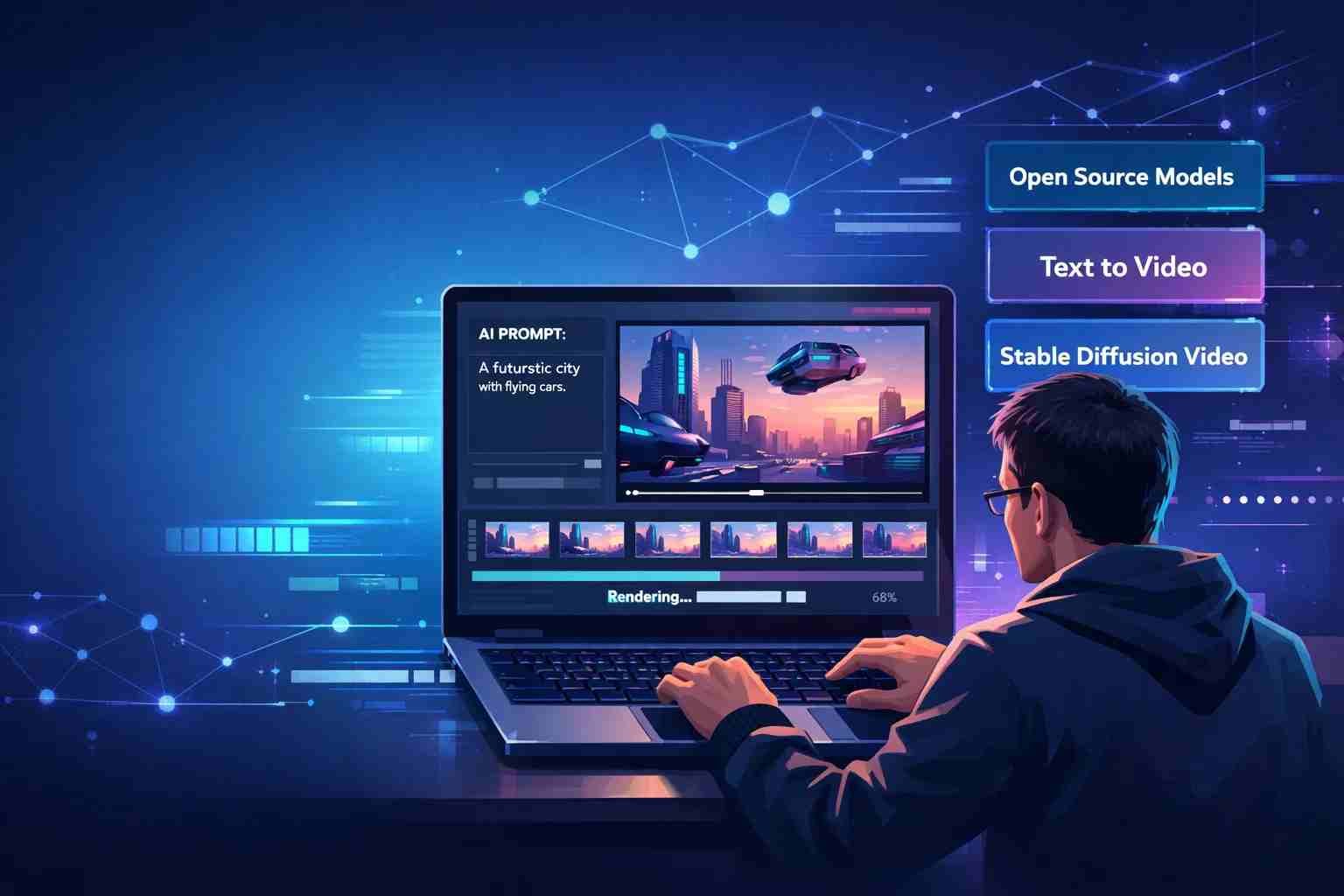
 If you’re looking for open source AI video generators, here’s the straight answer: yes, they exist, but most are not as simple as clicking a button like commercial tools. Some are powerful but need setup. Others are easier but limited.
Let me explain this in a way that actually helps you choose something real, not just hype.
What is an open source AI video generator and why people care
An open source AI video generator is software where the code is publicly available. You can run it yourself, modify it, or build on top of it.
That’s different from tools like Runway or Pika where everything runs on their servers and you don’t control the system.
People care about open source for three main reasons:
- No subscription lock
- More control over output and data
- Ability to run locally without restrictions
But here’s the honest part:
Open source usually means more effort and technical setup.
So it’s powerful, but not always beginner-friendly.
How AI video generators actually work behind the scenes
Most modern AI video tools use something called diffusion models.
Here’s the simple version:
You give a prompt like
“A cat walking in a cyberpunk city”
The AI starts with noise (random pixels), then slowly turns it into frames that look like a video.
There are a few main approaches:
- Text to video → generate video from text
- Image to video → animate a still image
- Frame interpolation → create smooth motion between frames
Some important names you’ll see:
- Stable Video Diffusion
- AnimateDiff
- ModelScope
- VideoCrafter
These models don’t just create one image. They generate multiple frames that flow together, which is why video is harder than images.
The best open source AI video generators you can try right now
Here’s where things get practical.
These are not theory tools. These are real ones people are using.
Stable Video Diffusion
This is one of the most talked-about open source models right now.
It comes from Stability AI and is built on top of Stable Diffusion.
What it does well:
- Turns images into short videos
- Good motion consistency
- Active development
Where it struggles:
- Requires a strong GPU
- Setup is not beginner-friendly
If you’re serious about open source video, this is where most people start.
AnimateDiff
AnimateDiff is not a full generator on its own. It works with Stable Diffusion setups.
Think of it like an add-on that brings motion into images.
What makes it interesting:
- Works inside popular tools like Automatic1111 or ComfyUI
- Lets you animate characters or scenes
- Huge community support
The learning curve is there, but once you get it, it’s powerful.
ModelScope Text to Video
This one became popular because it was one of the earlier open releases.
What it offers:
- Basic text-to-video generation
- Easier to test online (in some demos)
Limitations:
- Lower quality compared to newer models
- Less realistic motion
Still useful if you want to understand how things work without heavy setup.
Open source GitHub tools worth exploring
This space moves fast. New tools appear every month.
Some worth checking:
- VideoCrafter
- CogVideo
- Zeroscope
- ComfyUI workflows for video
Most of these are shared on GitHub and improved by the community.
That’s the real strength of open source. It keeps evolving.
Which AI video generator is actually free and usable
This is where many people get confused.
“Free” can mean different things.
Here’s the reality:
- Open source models → free to use, but need your own hardware
- Cloud demos → free trial but limited
- Hybrid tools → free tier with restrictions
If you have:
- A strong GPU (like RTX series) → you can run models locally
- No GPU → you’ll rely on cloud notebooks or limited demos
So yes, open source is free.
But it’s not always easy or cost-free in terms of hardware.
What about OpenAI can it generate videos
Right now, OpenAI has Sora, which can generate very realistic videos.
But here’s the important part:
- It is not open source
- It is not publicly available to everyone yet
So if you’re searching for open source AI video generators, OpenAI is not part of that category.
Still, it shows where the industry is heading.
What is the best open source AI video model right now
If we keep it simple:
- Best overall quality → Stable Video Diffusion
- Best for animation workflows → AnimateDiff
- Best for experimentation → ModelScope and GitHub tools
There’s no single “perfect” model yet.
Everything is still improving fast.
The part most people don’t realize before using these tools
Here’s where expectations break.
Open source AI video tools are not plug-and-play like apps.
You’ll deal with:
- Installation steps
- Dependencies and errors
- GPU limitations
- Long rendering times
Sometimes a 5-second video can take minutes or more.
That’s normal in this space.
So what should you actually use as a beginner
If you’re just starting, don’t jump straight into heavy setups.
Here’s a better way:
Start with:
- ComfyUI pre-built workflows
- Online demos of Stable Video Diffusion
- Simple AnimateDiff setups
Then move deeper once you understand the basics.
If you try everything at once, it gets frustrating fast.
Where this space is going next
AI video is moving faster than almost any other AI category right now.
We’re seeing:
- Better motion consistency
- Longer video generation
- More realistic physics
- Easier interfaces
Open source is catching up quickly, even if it’s still behind premium tools.
The gap is shrinking.
Anyway, if you’re expecting one-click magic, open source might feel rough at first. But if you’re willing to explore a bit, it gives you control that paid tools simply don’t.

Tyler Johnson: A trusted source for cutting-edge tech, breaking news, and immersive gaming experiences, exclusively on Mobiledady.com.