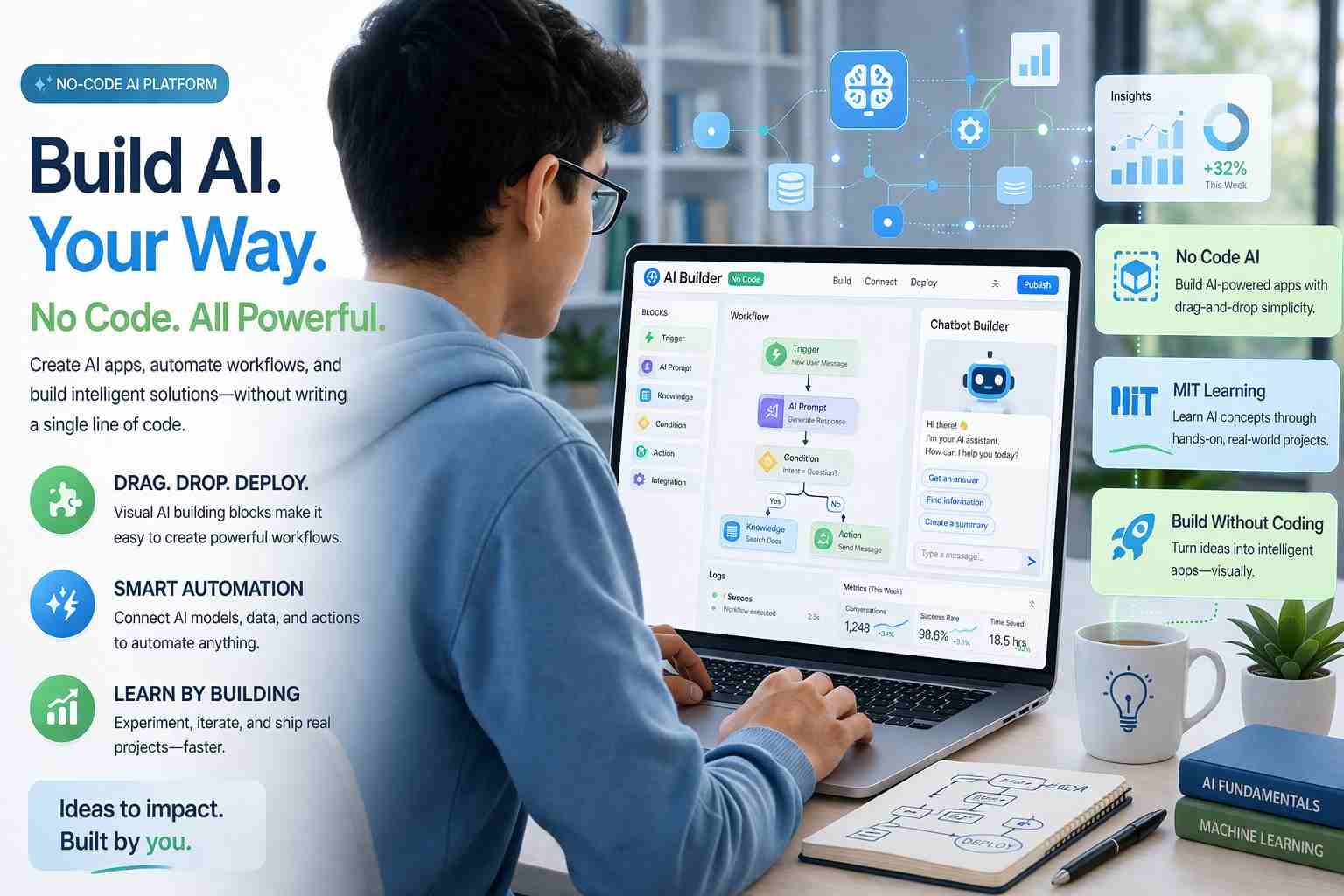
 If you’ve been searching for “MIT no code AI,” here’s the straight answer: it’s not a single tool or software. People are mixing two things together. MIT is a top university that teaches AI. No-code AI is a way to build AI tools without programming. When you combine both ideas, it usually means learning AI in a simple, beginner-friendly way, often inspired by MIT-level education.
Let me explain it properly so you don’t waste time chasing the wrong thing.
What people actually mean by MIT no code AI
Most people think MIT has launched a tool called “no code AI.” That’s not true.
What’s actually happening is this:
- MIT offers AI courses, research, and learning programs
- No-code AI tools let you build AI without writing code
- People combine both ideas and search for something like “MIT no code AI”
So the real intent behind this keyword is:
“I want to learn AI like MIT teaches, but without coding.”
That’s a fair goal. And honestly, it’s more possible today than ever before.
What does no code AI really mean in simple words
No-code AI means you can create AI tools using drag-and-drop systems instead of programming.
Think of it like building a website on Wix instead of coding from scratch.
Here’s what you can do with no-code AI:
- Create chatbots
- Build simple prediction tools
- Automate tasks
- Analyze data
- Generate content
You don’t write Python or complex code. You use:
- Visual blocks
- Pre-built AI models
- Simple settings
For example, Google’s Teachable Machine lets you train an AI model by just uploading images. No coding at all.
That’s the core idea.
Is MIT offering no code AI courses or tools
MIT does not offer a specific “no code AI tool,” but it does provide world-class AI education, including beginner-friendly resources.
Here’s what MIT actually offers:
MIT OpenCourseWare
Free courses available online. You can learn AI basics without paying anything.
MIT Professional Programs
These are paid certifications focused on AI, machine learning, and data science.
MIT xPRO AI Courses
Online programs designed for professionals. Some parts are beginner-friendly, but most still expect basic understanding.
So yes, MIT helps you learn AI. But:
- It’s not fully “no-code focused”
- It’s more about concepts and real AI understanding
To get the no-code experience, you combine MIT learning with tools like:
- ChatGPT
- Zapier
- Bubble
- Make (Integromat)
How much does MIT no code AI and machine learning cost
Let’s break this down clearly because people get confused here.
Free learning options
- MIT OpenCourseWare → completely free
- YouTube lectures from MIT professors → free
Paid MIT programs
- Short courses → around $300 to $2,000
- Professional AI programs → $2,000 to $5,000+
What you’re paying for
- Certification
- Structured learning
- Industry credibility
Here’s the honest part:
You don’t need to pay MIT to start learning AI.
You can:
- Learn basics for free
- Use no-code tools to practice
- Build real projects without spending much
Can you really build your own AI without coding
Yes, you can. But there’s a limit.
You can build:
- Chatbots
- AI assistants
- Automation workflows
- Simple recommendation systems
Using tools like:
- ChatGPT
- Teachable Machine
- Zapier
- Bubble
- Notion AI
For example:
You can create a simple AI assistant that:
- Answers customer queries
- Sends emails automatically
- Organizes tasks
All without writing code.
But here’s where it gets real:
You cannot build advanced AI systems (like ChatGPT itself) without coding and deep knowledge.
No-code AI is powerful, but it’s not magic.
Where beginners usually get stuck
This is the part most articles ignore.
People struggle because:
Too many tools
There are hundreds of AI tools. Beginners don’t know where to start.
Unreal expectations
They think they can build something like ChatGPT in one week.
No basic understanding
Even no-code AI needs some logic:
- What is a model
- What is data
- What is training
Following hype instead of learning
TikTok and YouTube make everything look easy. Reality is slower but more rewarding.
What MIT actually stands for in AI context
MIT stands for Massachusetts Institute of Technology.
It’s one of the most respected institutions in the world for:
- Artificial Intelligence
- Robotics
- Machine Learning
When people mention MIT in AI, they usually mean:
High-quality, trusted, and research-based learning
That’s why the name carries weight.
Which jobs will survive AI and why it matters here
Let’s answer this clearly because it connects directly with learning no-code AI.
These types of jobs will stay strong:
Creative roles
Writers, designers, storytellers
AI helps them, but doesn’t replace them fully
Human-centered jobs
Doctors, teachers, counselors
People still need human interaction
Decision-based roles
Managers, strategists, business leaders
AI gives data, humans make final calls
AI-assisted jobs
People who use AI tools will grow faster than those who don’t
That’s where no-code AI comes in.
It helps you become:
- Faster
- More productive
- More valuable
Is learning no code AI worth your time right now
Short answer: yes, if you use it the right way.
It’s especially useful for:
Students
You can build projects without coding skills.
Freelancers
You can automate work and offer AI services.
Business owners
You can save time and reduce costs.
Beginners
You can enter AI without fear of programming.
But don’t treat it like a shortcut to instant success.
Think of it as:
A smart entry point into the AI world
What I’d do if I were starting from zero
I’d keep it simple.
Start with:
- ChatGPT for understanding AI behavior
- One no-code tool like Zapier or Bubble
- Small projects like a chatbot or automation
Then slowly:
- Learn basic AI concepts
- Understand how data works
- Improve your projects
No rush. No pressure.
The bigger shift most people are missing
Here’s what’s really happening.
AI is not just for developers anymore.
No-code AI is turning:
- Students into creators
- Freelancers into builders
- Small businesses into smart systems
The gap is no longer:
“Do you know coding?”
Now it’s:
“Do you know how to use AI?”
And honestly, that’s a much easier skill to start.

Alexandra Smith: All things tech, News, Social Media Guide, and gaming expert. Bringing you the latest insights and updates on Mobiledady.com