 Let’s clear this first.
Yes, making an AI assistant is possible today. And no, you don’t need to be a genius coder to start.
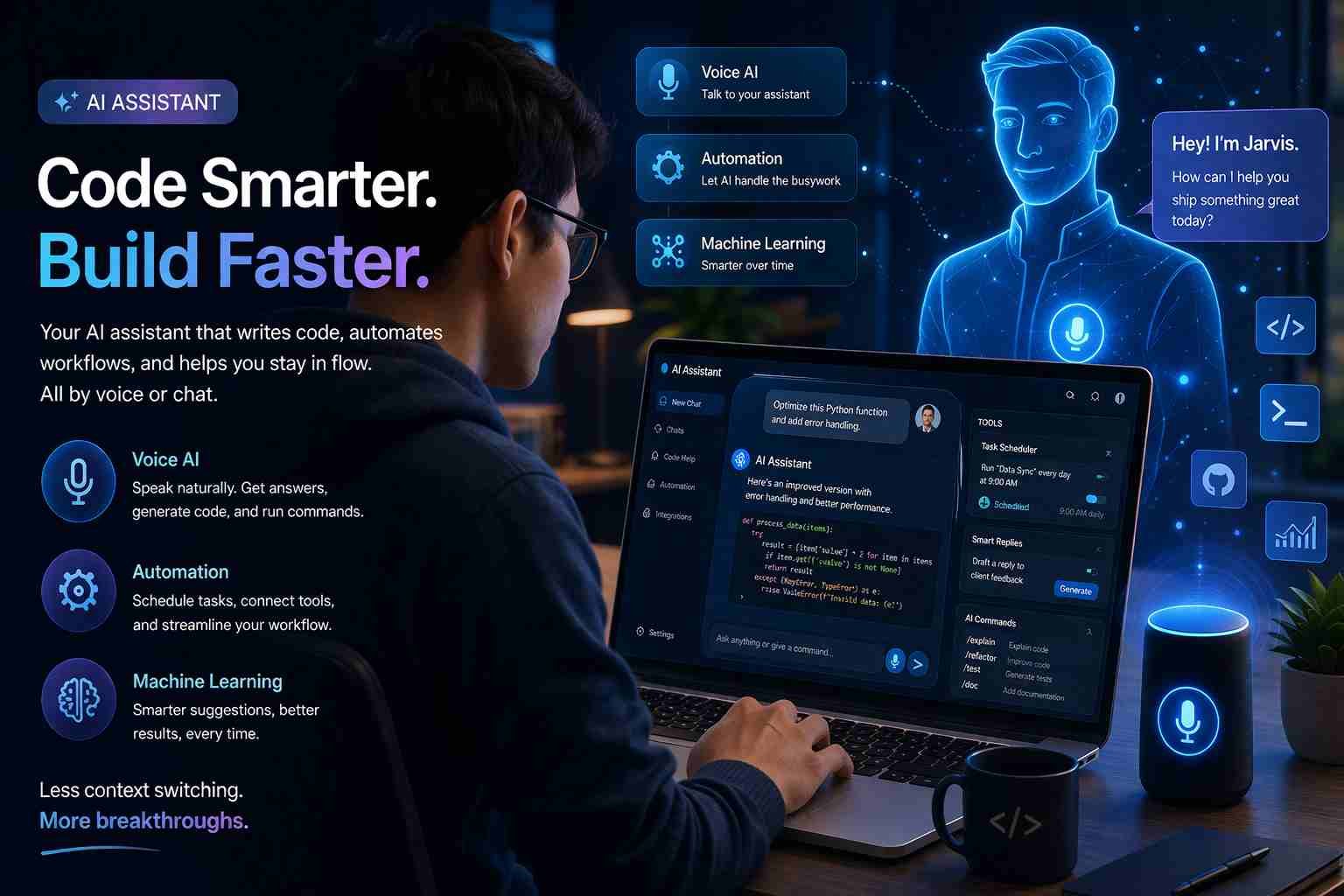
You can build something simple in a few hours using tools like ChatGPT or no-code platforms. If you want something more advanced, like a Jarvis-style assistant, that’s possible too but it takes a bit more setup.
Here’s what actually matters: understanding what level you want and choosing the right path. Let me walk you through it in a way that actually makes sense.
What does making an AI assistant actually mean
An AI assistant is basically a system that understands your input and responds intelligently. That input can be text, voice, or even commands.
Think about tools you already know:
- ChatGPT answers questions
- Siri sets alarms
- Alexa controls devices
All of these are AI assistants, just built at different levels.
When you say “making an AI assistant,” you’re not building artificial intelligence from zero. You’re connecting smart tools together to create your own assistant that works the way you want.
That’s the key idea most people miss.
Can you really build your own AI assistant today
Short answer: yes, you can.
But there are two levels here.
At the basic level, you can create a custom assistant that answers questions, helps with tasks, and even automates small things. This can be done without coding.
At the advanced level, you can build something closer to Jarvis. That means voice control, automation, memory, maybe even controlling apps or devices.
The difference is not “possible vs impossible.”
It’s just about how much time and effort you want to invest.
Is ChatGPT already an AI assistant
Yes, ChatGPT is already an AI assistant.
It can:
- Answer questions
- Help write content
- Solve problems
- Give suggestions
But here’s the important part.
Using ChatGPT is not the same as building your own assistant.
When you build your own, you decide:
- What it can do
- How it behaves
- Which tools it connects to
For example, you can create an assistant that only handles emails, or one that manages your daily tasks.
So think of ChatGPT as the brain.
You’re building the body around it.
The easiest way to start without coding
If you’re new, don’t touch coding yet. Start simple.
There are tools that let you create AI assistants almost like setting up a WhatsApp bot.
Some good options:
- ChatGPT custom GPTs
- Zapier AI
- Voiceflow
With these, you can create an assistant that:
- Answers specific questions
- Connects to apps like Gmail or Google Sheets
- Automates basic workflows
For example, you can build an assistant that reads your emails and gives you summaries. No coding needed.
This is honestly the best starting point for most people.
If you want more control, here’s the coding route
Now let’s say you want something more powerful.
This is where coding comes in. But don’t worry, it’s not as scary as it sounds.
Most people use Python because it’s simple and works well with AI tools.
Here’s the basic idea:
- You use OpenAI API to get AI responses
- You write a small script to send and receive messages
- You add features like memory or commands
Tools like LangChain or AutoGPT make this easier by handling complex parts for you.
You’re not building AI from scratch.
You’re just connecting smart systems together in your own way.
The tools that actually make this easier
Let me simplify the main tools so you don’t get confused.
OpenAI API
This is what gives your assistant intelligence. It’s the same tech behind ChatGPT.
Python
Used to build logic and connect everything.
Replit
A beginner-friendly platform where you can run code online without installing anything.
Voice tools
Like ElevenLabs or Whisper for speech input and output.
Each tool has a role. Once you see it like this, things stop feeling complicated.
How people are building Jarvis-like assistants today
This is where things get interesting.
People are combining:
- AI chat (ChatGPT)
- Voice input
- Automation tools
- APIs for apps
For example, a simple Jarvis setup might:
- Listen to your voice
- Convert it into text
- Send it to AI
- Perform an action like opening apps or sending messages
Some people even connect it to smart homes or PCs.
It’s not movie-level Jarvis yet.
But it’s surprisingly close for personal use.
What your AI assistant can actually do
Let’s keep expectations realistic.
A personal AI assistant can:
- Answer questions
- Help with writing
- Manage tasks
- Send emails
- Automate small workflows
- Give reminders
But it won’t:
- Think independently like a human
- Fully replace apps or humans
- Work perfectly without setup
The more effort you put in, the smarter it becomes.
Where most beginners get stuck
This is important.
Most people don’t fail because it’s hard.
They fail because they get overwhelmed.
Common issues:
- Too many tools at once
- Trying advanced stuff too early
- Confusion between AI and automation
- Fear of coding
Honestly, the best move is to start small.
Build something basic first. Then improve it.
What I would do if I started today
If I had to start fresh, I’d keep it simple.
First, I’d create a custom GPT inside ChatGPT.
Just to understand how assistants behave.
Then I’d use Zapier or similar tools to connect it with real tasks.
Only after that, I’d move to Python and APIs.
That way, you learn step by step without getting stuck.
So is it worth making your own AI assistant
Yes, if you want control and learning.
No, if you just need basic help. Because tools like ChatGPT already do a lot.
But here’s the interesting part.
Building your own assistant teaches you how AI actually works.
And once you understand that, you can create things most people can’t.
That’s where the real value is.

Muhammad Nawaz, tech guru & gaming aficionado. Your go-to for mobile news, gaming updates & expert blogging tips.